

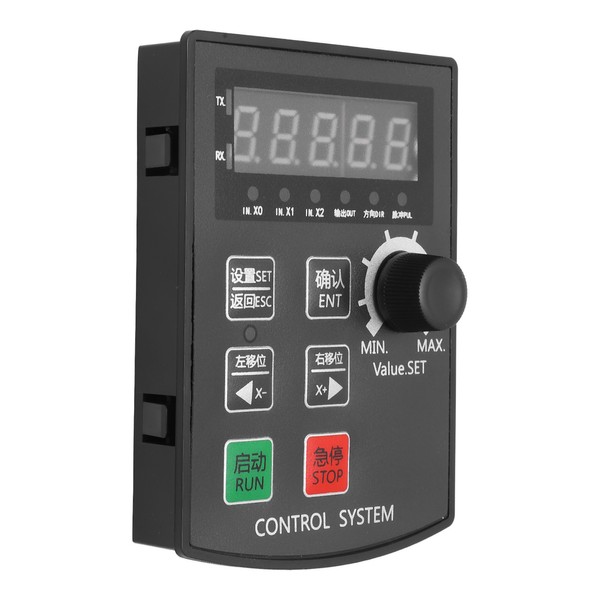
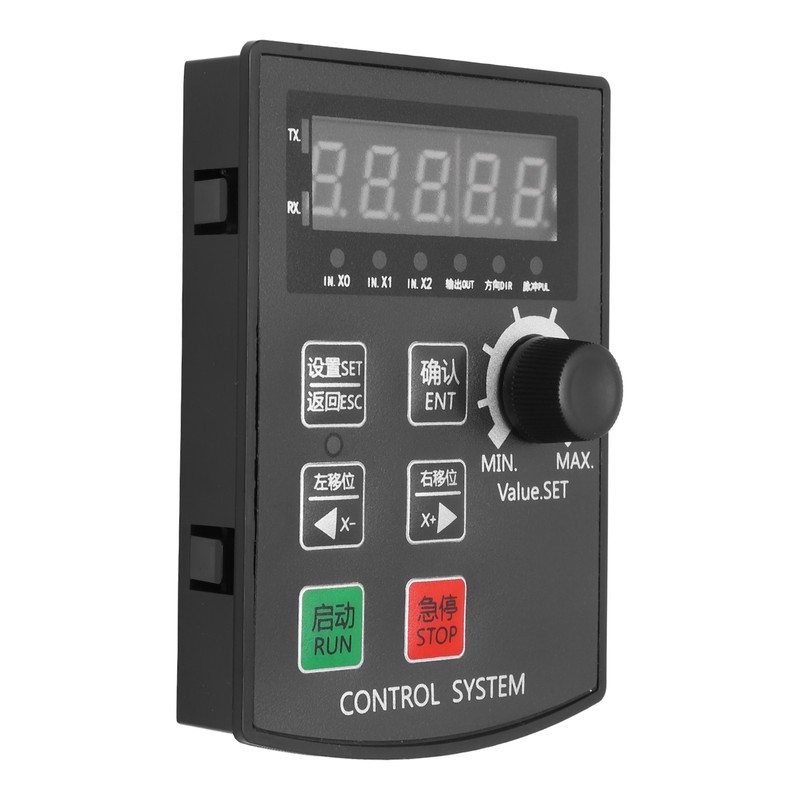
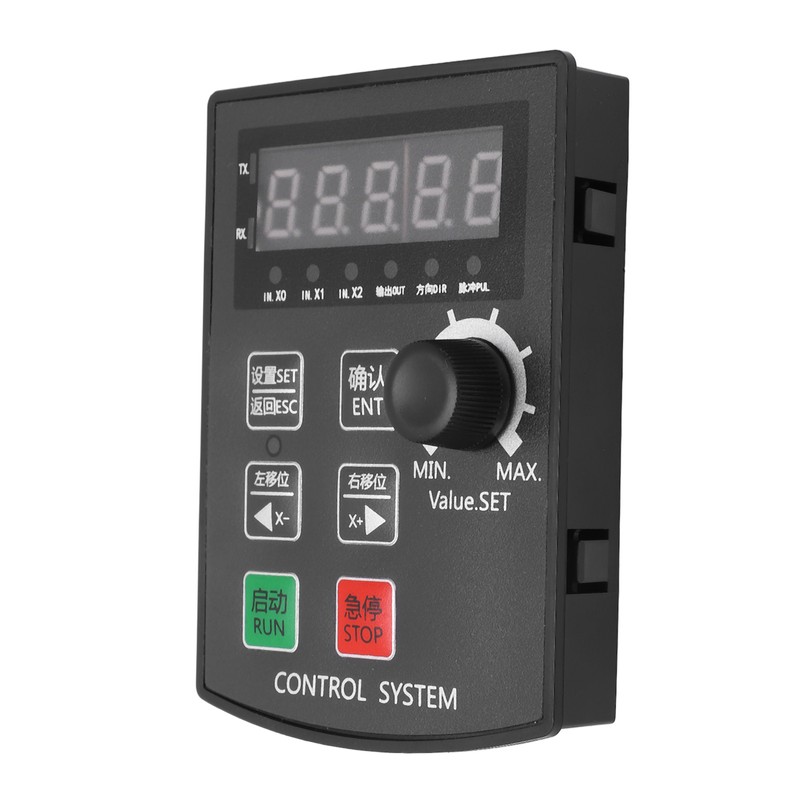
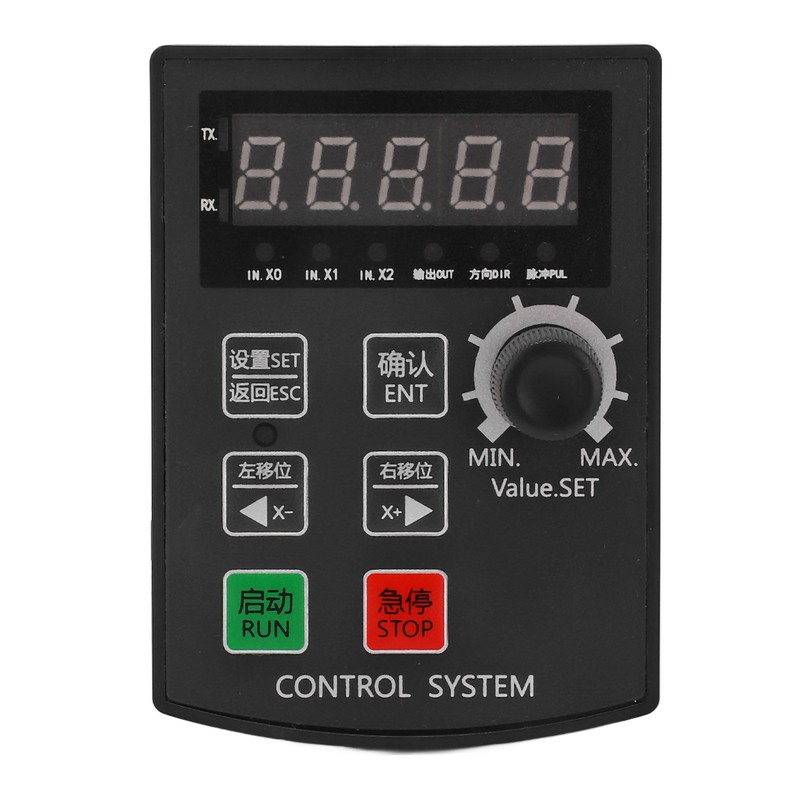
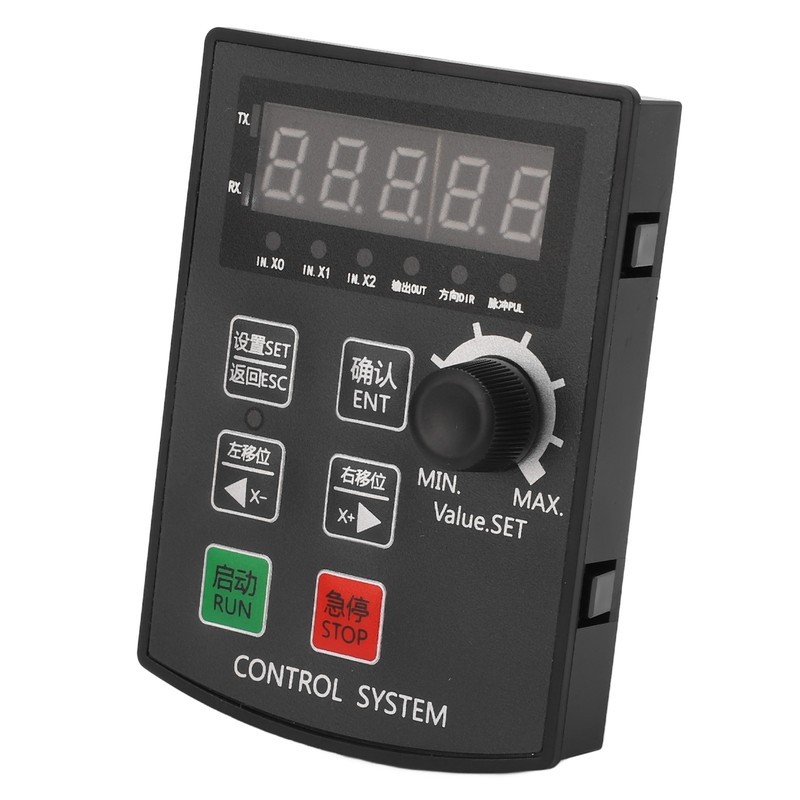
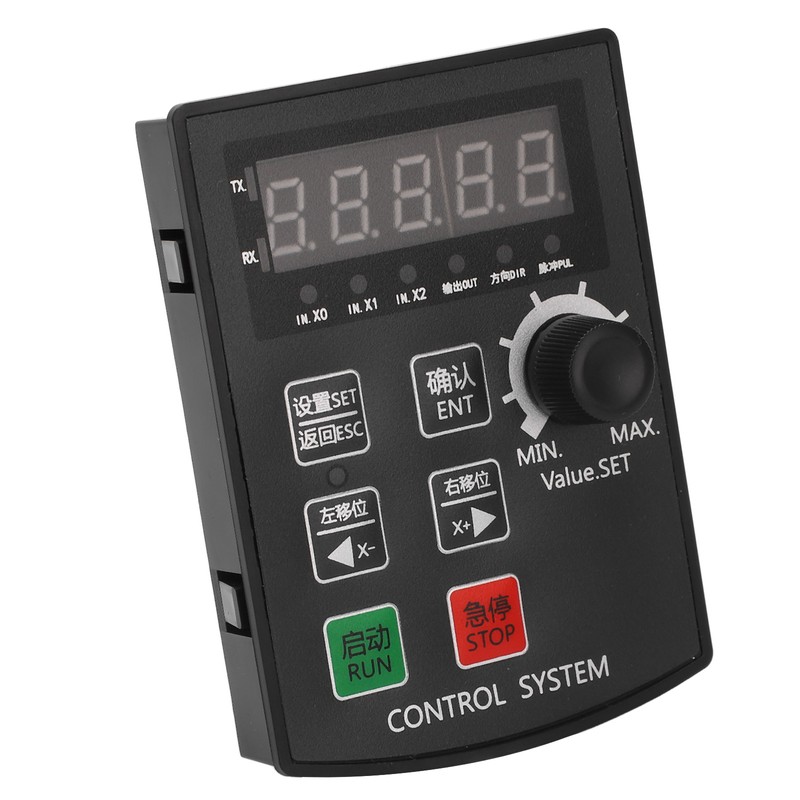
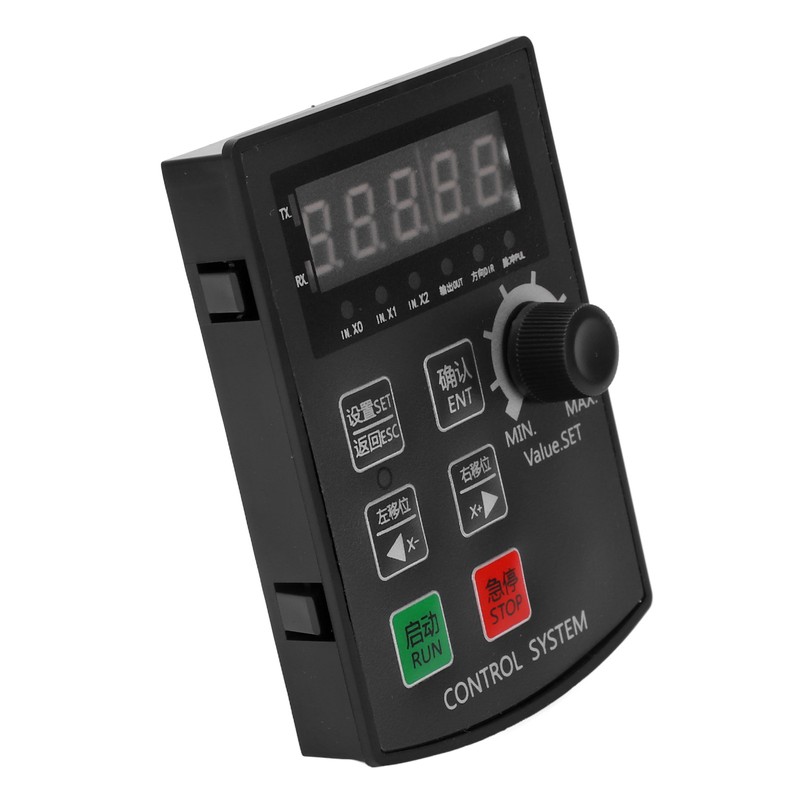
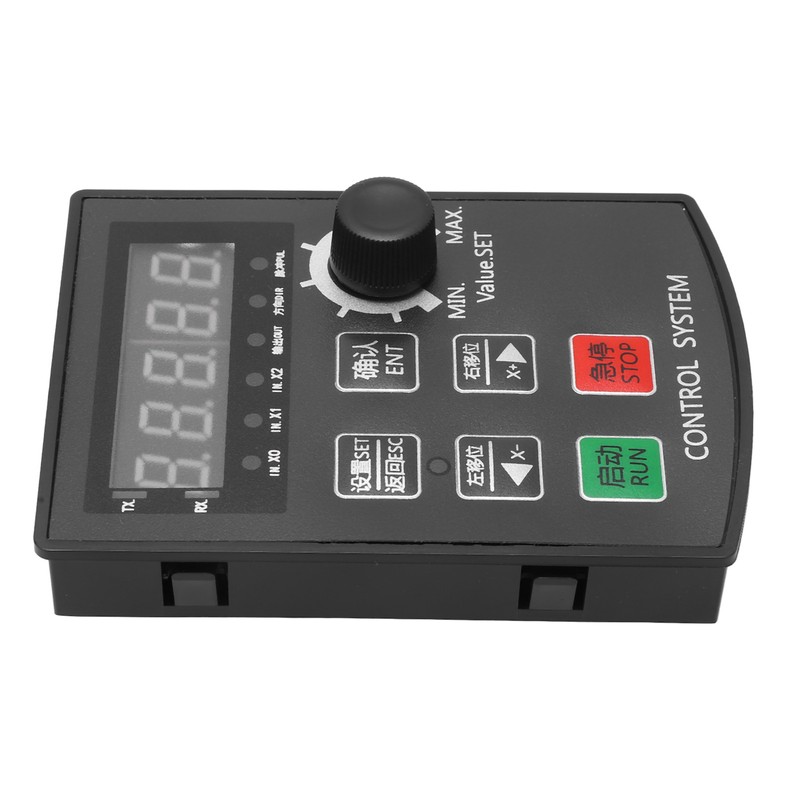
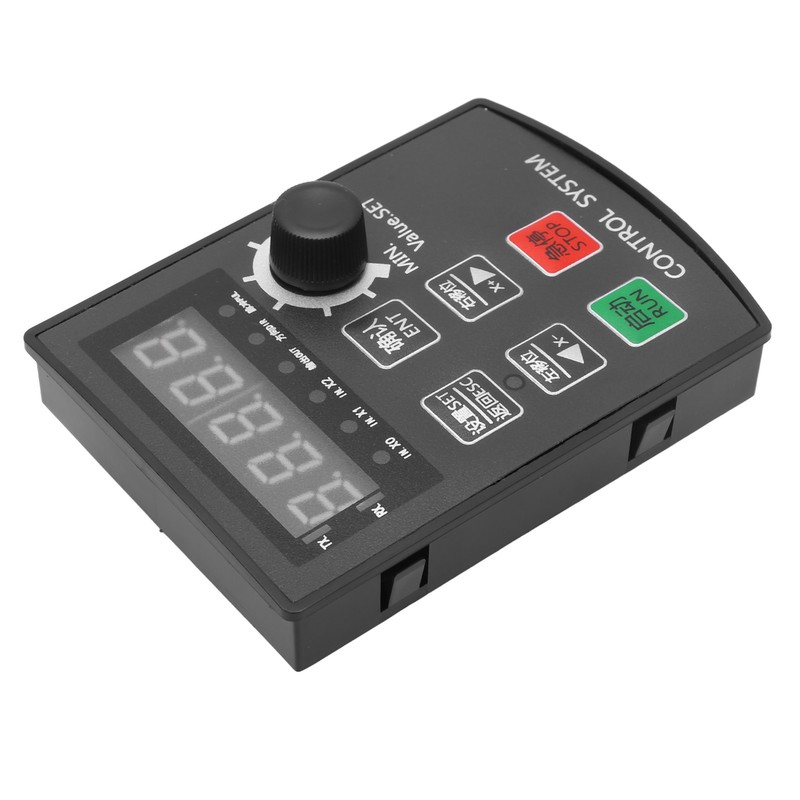
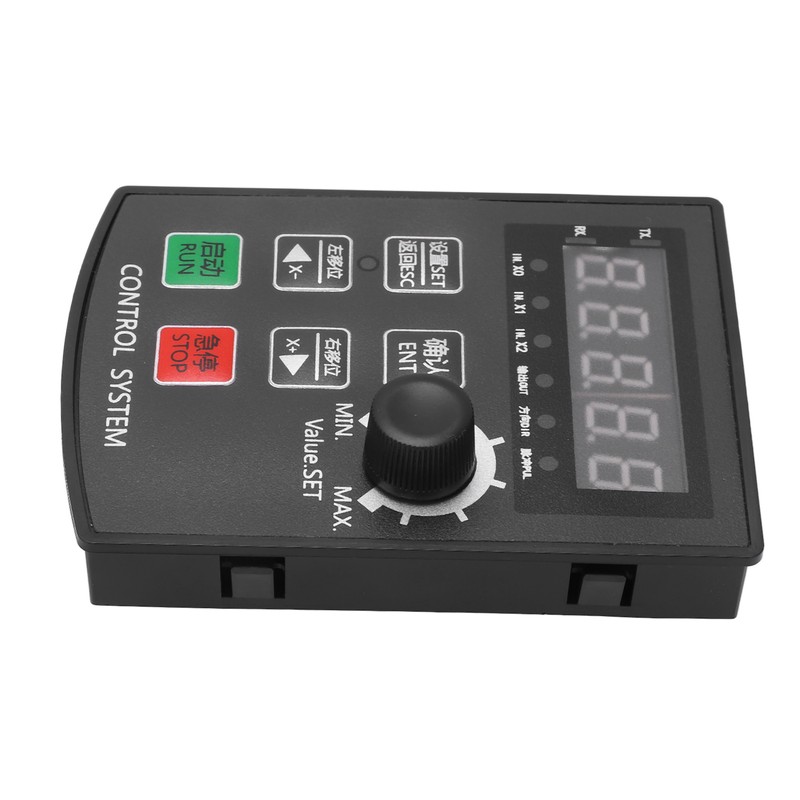
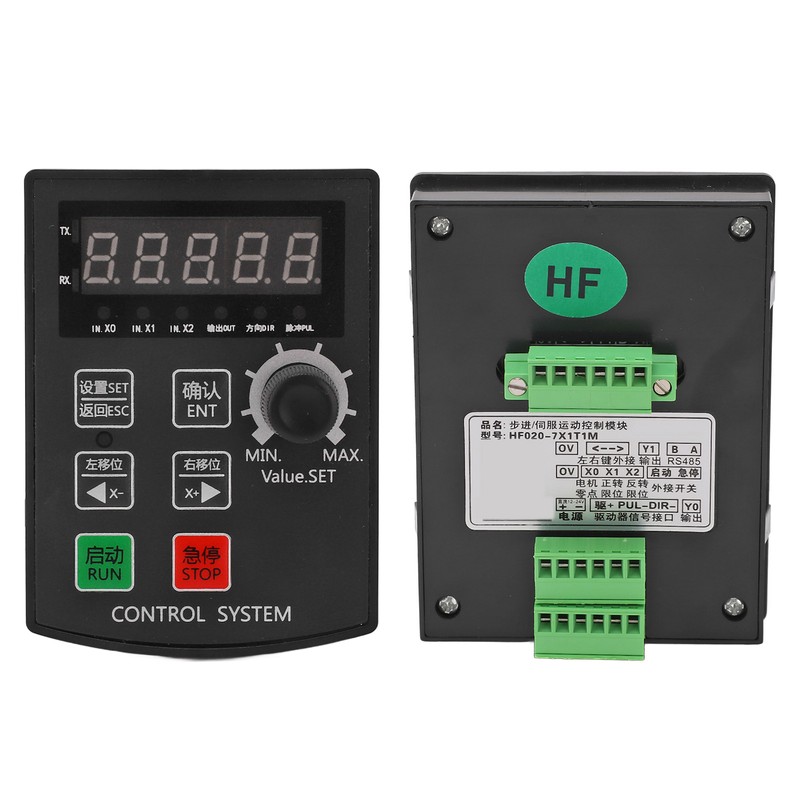
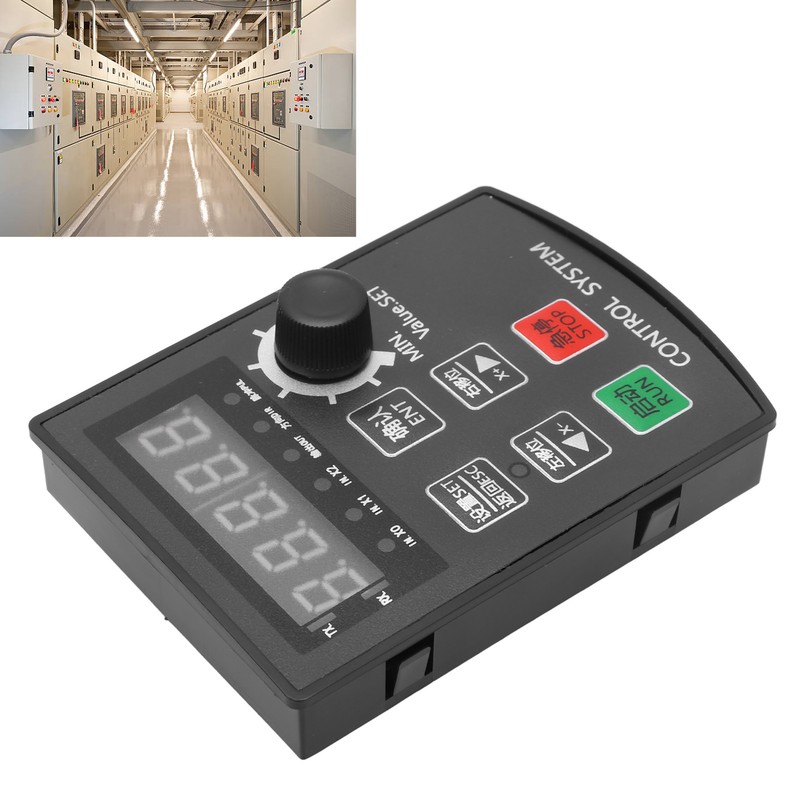
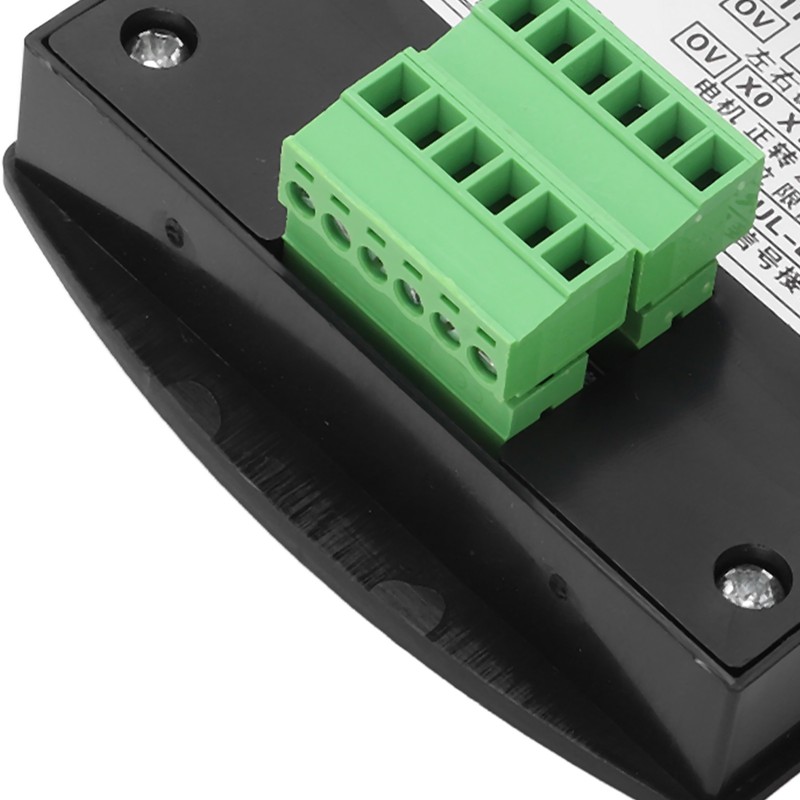
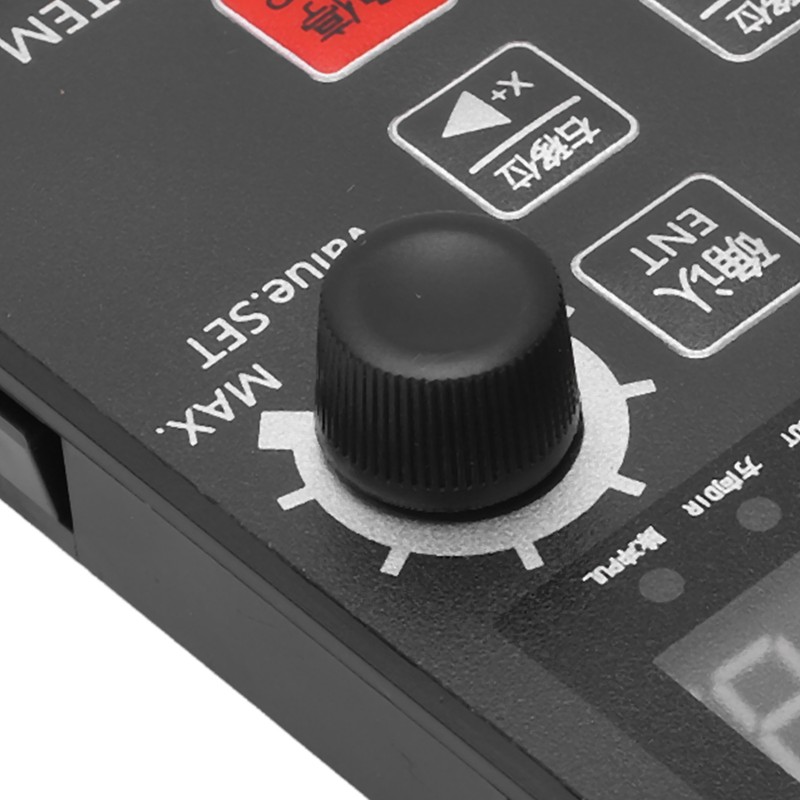
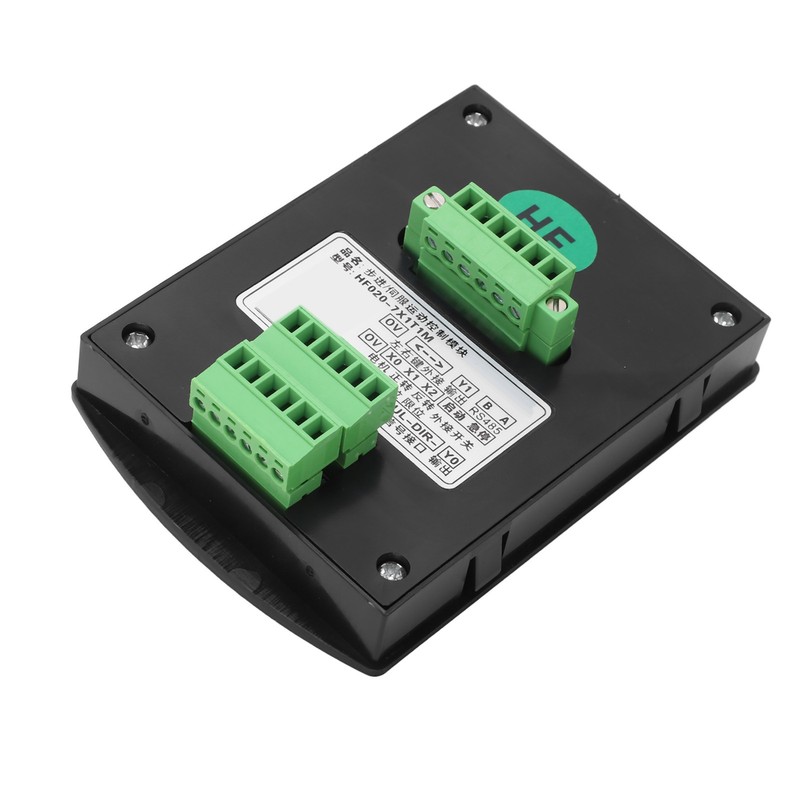
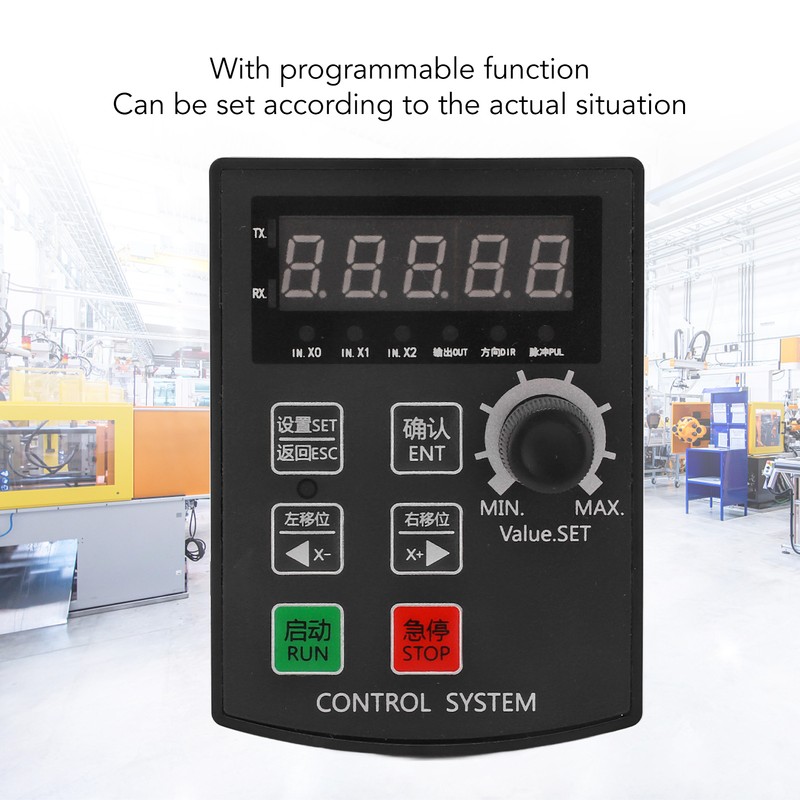
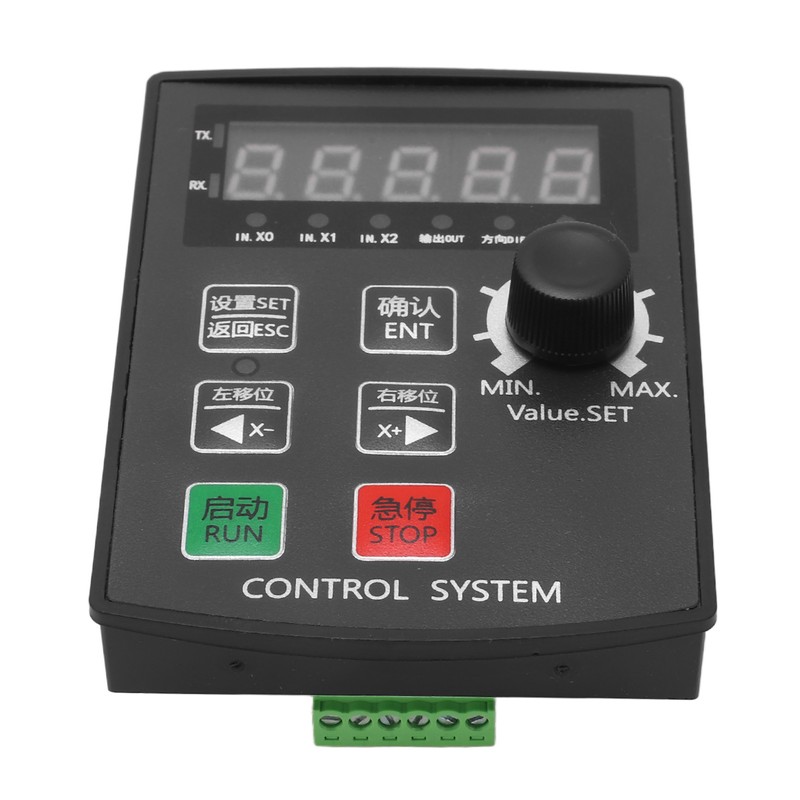
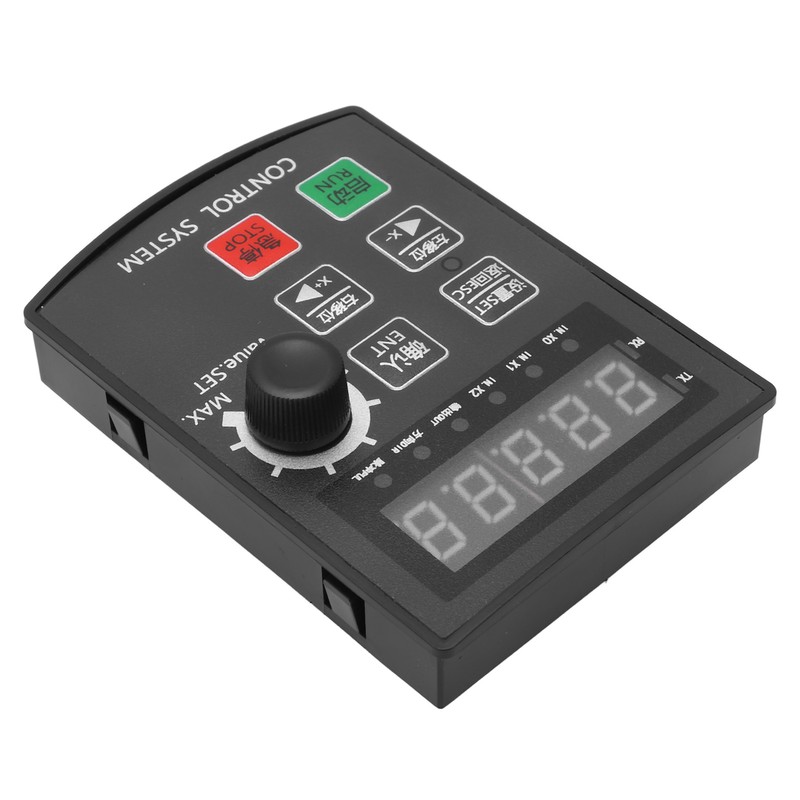
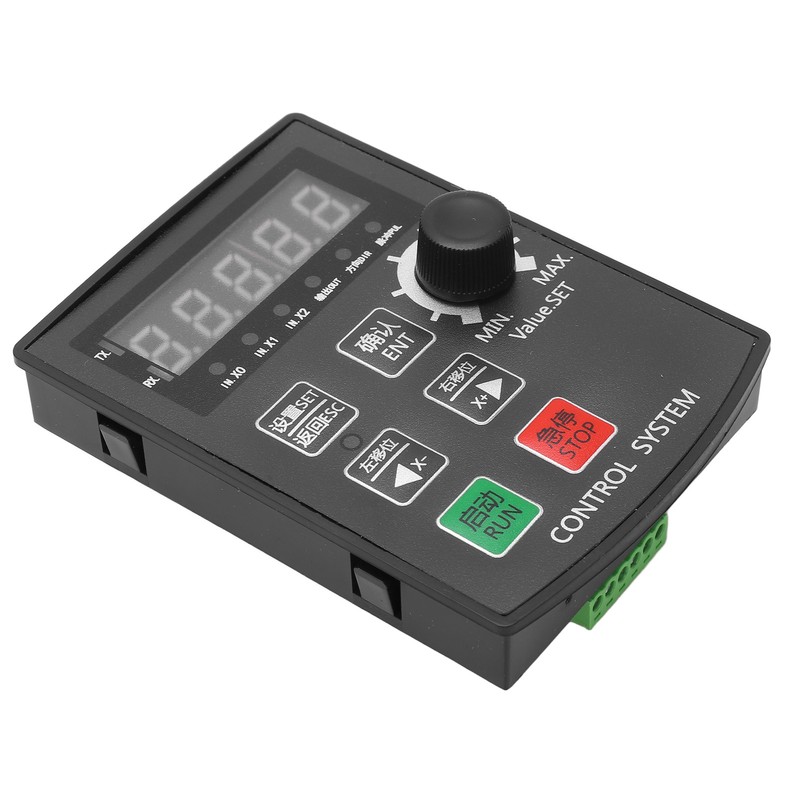
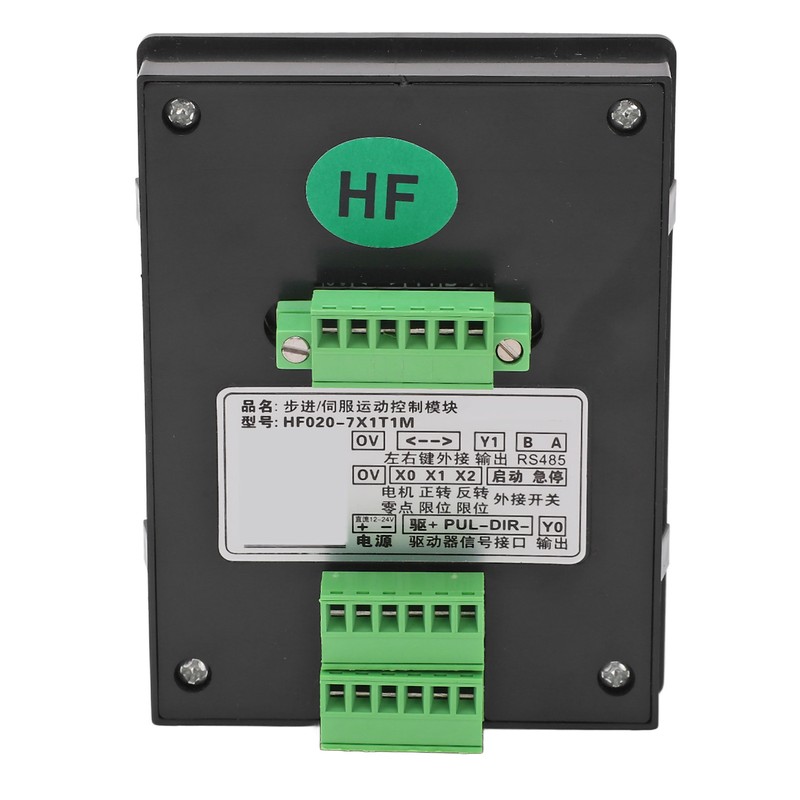


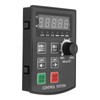
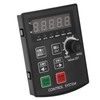
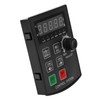
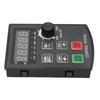
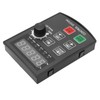
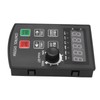
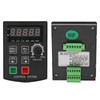
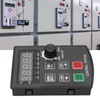
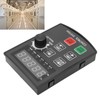
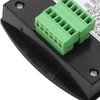
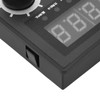
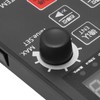
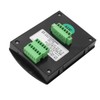
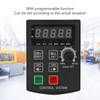
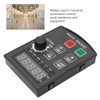
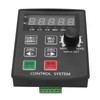
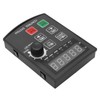
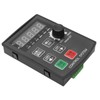
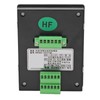
Stepper Motor Motion Controller CNC Industrial Servo Preset Control Module Panel System
$42.11
- $9.99 shipping from United States View details
-
Arrives
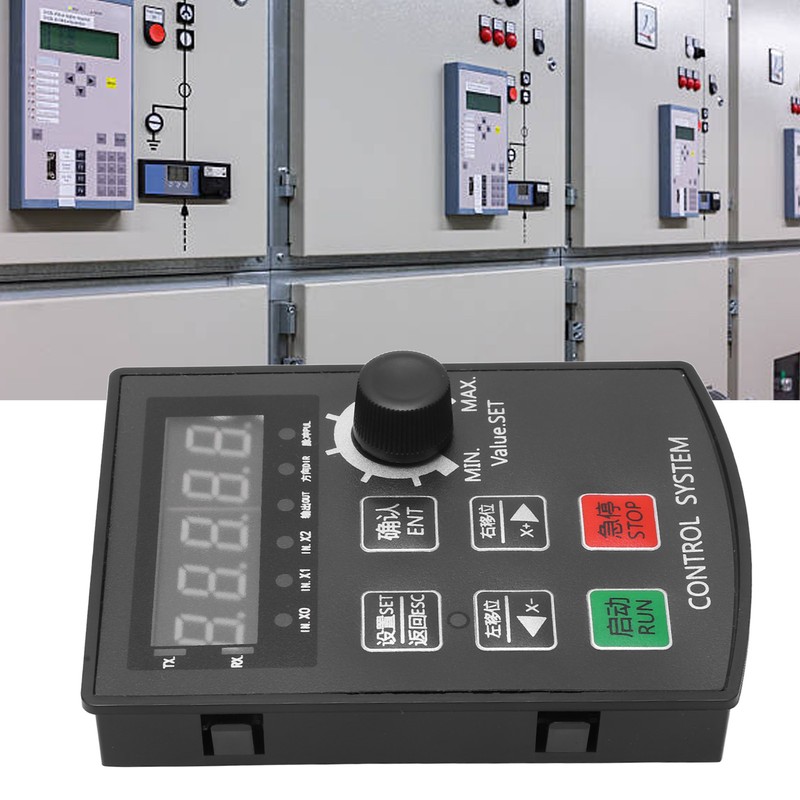
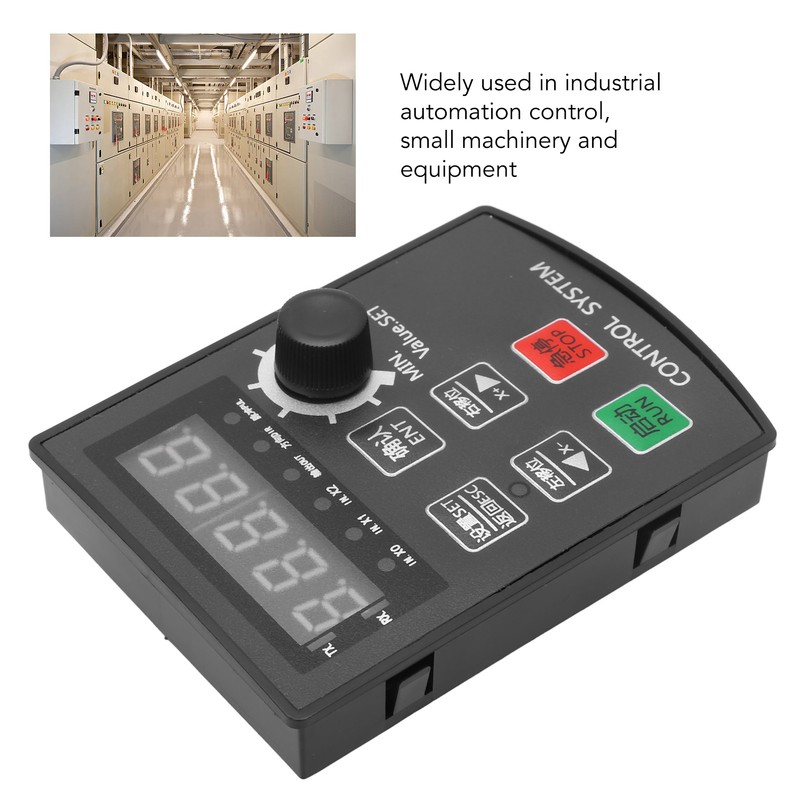
1、MULTIPLE MODES: This is a special operation control module for stepping, servo motor. This module has no programmable function, but built in a variety of fixed operation mode, the user can quickly choose the appropriate trajectory 2、CONFIGURABLE AND PRACTICAL: Stepper motor motion controller support power down save and set distance, speed, delay, cycle times 3、VARIOUS WAYS OF USE: Can be independently run as a module, can also cooperate with other systems, as a third party module to make up for the lack of motor output shaft 4、APPLICATION SCENARIO: Widely used in industrial automation control, small mechanical equipment, automatic painting industry, rotary indexing tool control industry 5、EXCELLENT PERFORMANCE: Made with fine workmanship, possess compact appearance and stable performance, can make sure durability and stability
- Free 30-Day Returns
- Full Refund for Damaged or Incorrect Items
- Guaranteed Delivery or Money Back
- Secure Checkout & Fast Support

1、MULTIPLE MODES: This is a special operation control module for stepping, servo motor. This module has no programmable function, but built in a variety of fixed operation mode, the user can quickly choose the appropriate trajectory 2、CONFIGURABLE AND PRACTICAL: Stepper motor motion controller support power down save and set distance, speed, delay, cycle times 3、VARIOUS WAYS OF USE: Can be independently run as a module, can also cooperate with other systems, as a third party module to make up for the lack of motor output shaft 4、APPLICATION SCENARIO: Widely used in industrial automation control, small mechanical equipment, automatic painting industry, rotary indexing tool control industry 5、EXCELLENT PERFORMANCE: Made with fine workmanship, possess compact appearance and stable performance, can make sure durability and stability
1、MULTIPLE MODES: This is a special operation control module for stepping, servo motor. This module has no programmable function, but built in a variety of fixed operation mode, the user can quickly choose the appropriate trajectory 2、CONFIGURABLE AND PRACTICAL: Stepper motor motion controller support power down save and set distance, speed, delay, cycle times 3、VARIOUS WAYS OF USE: Can be independently run as a module, can also cooperate with other systems, as a third party module to make up for the lack of motor output shaft 4、APPLICATION SCENARIO: Widely used in industrial automation control, small mechanical equipment, automatic painting industry, rotary indexing tool control industry 5、EXCELLENT PERFORMANCE: Made with fine workmanship, possess compact appearance and stable performance, can make sure durability and stability
More Information
Item Type: Stepper Motor Motion Controller
Case Size(LxWxH): Approx. 99.7 x 72 x 17mm / 3.93 x 2.83 x 0.67in
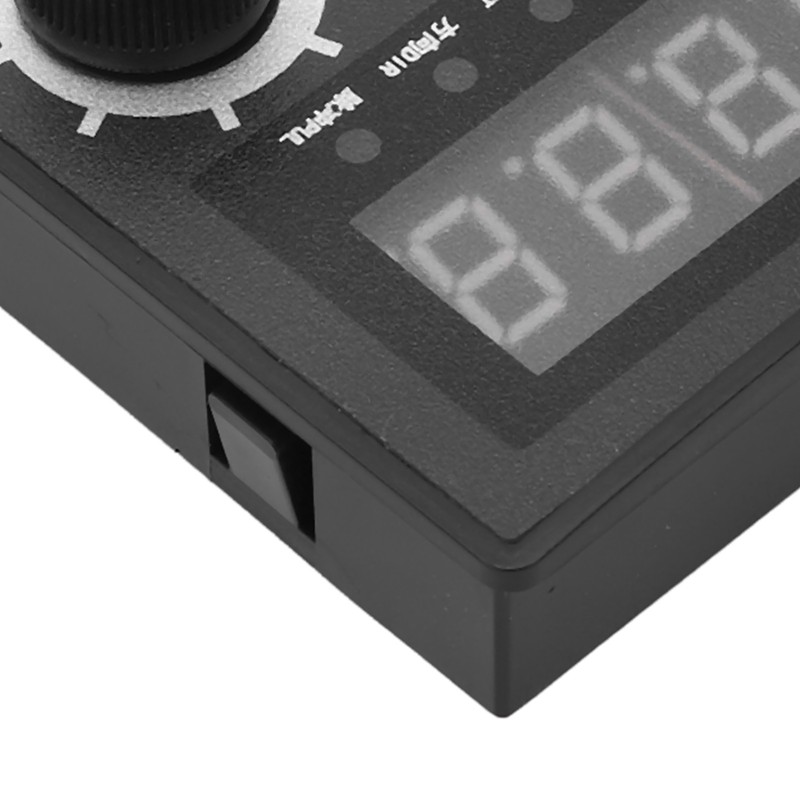
Screen Structure: 5 digit, high light digital tube
Operating Environment: -5℃-60℃ (no condensation)
Opening Size(LxW): Approx. 92 x 69.8mm / 3.62 x 2.75in
Motor Pulse Frequency: 85K HZ
Input: Enter 7. The input takes 0V as the valid signal
[F] Function Summary: In the actual work, the parameters (internal parameters of the system) that do not need to be modified often are focused on this.
| Serial Number | Function(with * is not recommended to adjust) | Range | Default value |
| F1 | Molecular (electronic gear ratio) (see below for details on the specific algorithm) | 0-65535 | 8 |
| F2 | Denominator (electronic gear ratio) (see below for details on the specific algorithm) | 0-65535 | 5 |
| F3 | * Minimum speed (the minimum speed limit at which the motor is allowed to operate) Unit: Class | 0-65535 | 0 |
| F4 | * Maximum speed (the maximum speed limit at which the motor is allowed to operate) Unit: Grade | 0-1781 | 1781 |
| F5 | Zero finding position (useful only when mechanical zero) Unit: based on gear ratio | 0-65535.999 | 1.5 |
| F6 | Zero finding speed (useful only when machine is zero) Unit: level | 0-65535 | 50 |
| F7 | Zero seeking mode (0: software zero 1-3: mechanical zero, where 1 is recommended, do not use 2) | 0-3 | 0 |
| F8 | * Zero function start point (useful only when the machine is zero) Unit: the gear ratio shall prevail | 0-65535.999 | 65535 |
| F9 | * Acceleration (the acceleration level of the motor starting to the normal speed, the larger the faster) the acceleration and deceleration values should be consistent as far as possible | 0-65535 level | 2000 |
| F10 | * Deceleration (deceleration level from normal motor speed to stop, the larger the faster) acceleration and deceleration values should be consistent as far as possible | 0-65535 level | 2000 |
| F11 | * System internal debugging parameters, do not set | 0-255 | 3 |
| F12 | * System internal debugging parameters, do not set | 0-4294967295 | 6400 |
| Function 13 | *X0-X1-X2 Input signal filtering time unit: level | 0-65535 | 40 |
| When there is external interference, set again. The larger the value, the slower the response | |||
| F14 | The magnitude of THE SPEED CHANGE in operation (can be turned off in F16) Unit: Level | 0-255 | 2 |
| When the motor is in operation, the current running speed can be modified through the knob (encoder) on the panel. The magnitude of the knob change speed is determined by this parameter. The greater the value, the rotary knob, the greater the range of speed! The smaller the better. | |||
| Note: The speed after speed change is not saved by default after power failure. If you want to save after power failure, press the "Confirm" button to save in standby state. "Speed-saue" is displayed. | |||
| F15 | Is it automatically returned to zero after startup? (0: does not return to zero upon startup 1: automatically returns to zero upon startup) | 0-1 | 0 |
| Note: If automatic return to zero is set on startup, software zero is used for return to zero by default. The mode needs to be set in [F5-F8] function. If mechanical zero is set, it is recommended to set the zero back to mechanical zero F7=1 for the best effect! Returning to zero can only be a reversal! | |||
| F16 | * Special function Settings | 0-255 | 0 |
| Value 0- Normal does not enable any special functions (default) | |||
| Value 1- Forces knob speed change to turn off. | |||
| Value 2- Modifies the motor rotation direction. | |||
| Value 4- Enables RS485 communication (following RTU protocol). The agreement specification can be downloaded from the official website. | |||
| Value 8- Automatically runs the job when turned on. The controller can be externally connected to the start button, direct wire to start port and 0V short circuit, can also play a similar effect. | |||
| Value 16- Running knob speed regulation, whether the forward and reverse change simultaneously. You are not advised to use this function. Note: IF you want to change the speed at the same time, the forward and reverse running speed values should be the same. The P2 = P4. if | |||
| If not, the speed will be unexpected. | |||
| For example: | |||
| 1: If you want to modify the motor rotation direction, refer to the above value of 2. So F16 is equal to 2, which means change direction | |||
| 2: Now to open the RS485 communication function (value :4), and to change the motor rotation direction (value :2). F16=4+2=6 | |||
| F17 | * Selective switch P interface or F interface 1- off [P] on [F] 2- on [P] off [F] 3- All off (temporary open: press the [Setting] key before starting up) | 0-3 | 0 |
| F18 | * The higher the multiple PSC value of motor running speed, the slower the speed | 1-65535 | 3 |
| The purpose is to adapt to some special occasion. If the motor is required to work at a very slow speed (only one turn a day, etc.). | |||
| F19 | * Multiple of acceleration and deceleration (used in special cases, generally not set) | 1-255 | 1 |
| On some occasion, express acceleration and deceleration are required. In this case, a large value of acceleration and deceleration is needed (the higher the value, the faster the deceleration). By default, the value F9: acceleration or F10: deceleration will not be large enough. In order to increase the number of acceleration and deceleration, so the multiple appears. | |||
| The final acceleration and deceleration value = (F9: acceleration or F10: deceleration value) X (F19 value) | |||
| F20 | The main screen displays contents | 0-6 | 0 |
| 0- Absolute position (positive and negative coordinates can be displayed) where "-" indicates reversal. Unit: circle or distance value or Angle. The display significance of the value is completely determined by the value of [F1] and [F2]. Calculate the value of [F1] [F2] in advance and it will display correctly | |||
| 1- Absolute position (only positive coordinates can be displayed). Calculate the value of [F1] [F2] in advance and it will display correctly. | |||
| 2- Relative position. That is, the current value of the motor is displayed (positive and negative coordinates can be displayed). If "-" is displayed, the switch is reversed. | |||
| 3- Output pulse frequency (unit :KHZ) Maximum error: ±1KHZ, theoretical maximum frequency: 85Khz | |||
| 4- Motor lap time (unit: RPM, maximum error ±90 RPM. Please fill in the real drive sub-score in [F1, otherwise the display is incorrect]) | |||
| 5- Motor travel distance speed (unit: mm/ SEC, maximum error ±2mm/ SEC. The value of [F1] [F2] should be calculated in advance, otherwise the display is incorrect) | |||
| 6- Actual speed value of the controller (i.e. [P2] [P4]) unit: level | |||
| 7- The value of the forward transfer delay (that is, the value of [P6]) in seconds | |||
| 8- The value of the inversion in place delay (i.e., the value of [P7]) in seconds | |||
| 9- Working times display (power off not saved) Unit: times. Maximum 99999. After that, "-----" is displayed | |||
| F21 | * Press the Return ESC(emergency stop) key | 0-3 | 0 |
| 0- The motor will stop slowly according to the deceleration speed (if it is in the state of acceleration and deceleration, it will stop immediately) 1- The motor will stop immediately (impact) | |||
| 2- The motor stops slowly and automatically returns to zero according to the reduced speed. Press again to pause back to zero. Press it again, it goes back to zero, and the cycle continues | |||
| 3- The motor stops slowly according to the deceleration speed, and the coordinate is cleared to zero (the motor does not move) | |||
| F22 | * Button (including start/emergency stop) signal filtering time Unit: level | 0-65535 | 20 |
| When there is external interference, set again. The larger the value, the slower the response | |||
| F23 | * Allow to change the value of P0 0- Allow to enter Modify >0 Do not allow to change | 0-65535 | 0 |
| In practical work, the user will often modify the parameters of P1-P8, while the parameter P0 is used to select the corresponding action trajectory. Generally, after setting, it will not be changed often. So I can lock it up here to prevent accidental changes. | |||
| After the switch is locked, the screen blinks: ERR-0 when you change the parameters of P0 | |||
| In F17, you can selectively hide the function menu P interface or F interface. | |||
| Combining the above: we can set F17 to 2 and F23 to 1. In this way, users are only allowed to modify commonly used parameters. Some system key parameters, the user is not touch, so as to play a protective role. | |||
| F24 | Note: After changing this parameter, power off and restart is required for it to take effect | 0-4 or >10 | 4 |
| 1- Only [F] parameter is restored. 2- Only [P] parameter is restored | |||
| 3- Restore all (recommended) 4- No restore required | |||
| 0 or >10: Restore all and enable self-test mode, manufacturer mode (only for manufacturers, users do not set this parameter) |
Notice
Processing Time
- We process and ship orders Monday through Friday, excluding holidays.
- Most orders are processed within 1–3 business days, depending on product availability.
- Processing time does not include delivery time, which varies based on your location and the product’s shipping origin.
Shipping Coverage
We currently ship to addresses within the United States only.
Products may ship from:
- Our U.S. warehouses, or
- Our international fulfillment centers (including Korea, Japan, China, Australia, Mexico, Canada, the United Kingdom, and the EU).
Each product page clearly displays the “Ships From” location before checkout.
Shipping Methods & Estimated Delivery
| Shipping Method | Estimated Delivery | Cost |
|---|---|---|
| Free Shipping (US) | 5–10 business days | Free, available on eligible items |
| Standard Shipping (US to US by Item) | 5–10 business days | $5.95 for the first item, $3.00 each additional |
| Standard Shipping (From US Warehouse by Weight) | 3–7 business days | Starts at $5.95, increasing by $2 for every additional 4 oz (0.25 lb) up to 1 lb, then by $4 for each additional pound beyond 1 lb. |
| Extended Delivery (Ships from Overseas Warehouse) | 10–20 business days | $14.99 for the first item, $2.00 each additional |
Shipping costs vary by product weight, quantity and origin. Exact rates and delivery estimates are displayed on each product page and confirmed during checkout.
Free Shipping
We offer free standard shipping on select products or during promotional periods. Availability of free shipping will be displayed on the product page and at checkout.
Carriers
We primarily use USPS and UPS for U.S. deliveries. Items shipped from international warehouses may be handled by partner carriers depending on the country of origin.
Import Duties & Taxes
All import duties and taxes for goods imported into the United States are included in the product price. There are no hidden fees or additional charges at checkout.
Tracking & Notifications
Every order is fully trackable. You will receive a tracking number via email once your order ships. If your order ships in multiple packages, each package will have its own tracking number. If you don’t receive a shipping confirmation immediately, your order is still being processed and will arrive within the estimated timeframe shown at checkout.
You can track your shipment anytime using the Track Your Order page on our website.
Order Changes & Cancellations
If you need to modify or cancel an order, please contact our customer support team as soon as possible. Orders can only be canceled before they ship. Once shipped, cancellations are not possible, but you may request a return after the item is delivered.
Contact: support@ibspot.com
Item Not Received
If your tracking number shows “Delivered” but you haven’t received your package:
- Check with your local USPS or UPS office.
- Confirm that the shipping address provided was correct.
- If the issue remains unresolved, contact support@ibspot.com for assistance.
Damaged or Lost Parcels
If your package arrives damaged or fails to arrive, please contact us immediately. For deliveries to P.O. boxes, ibspot is not responsible for damage caused by weather, temperature, or theft.
Customer Support
For any questions about shipping, tracking, or delivery, our customer support team is here to help.
Email: support@ibspot.com
We’re always happy to help.
Please read our policy carefully before making a purchase.
We aim to ensure every customer has a smooth and transparent experience with ibspot.com.
Order Cancellation Policy
Customers may request to cancel an order before it has been shipped.
Once the package has been shipped, cancellations are no longer possible; however, you may still request a return after receiving your order.
How to Request a Cancellation
You can contact us through:
- Email: support@ibspot.com
- Contact Form: Submit a request through our Contact Us page
Please submit your cancellation request as soon as possible after placing the order to allow us to process it before shipment.
Return Policy
We accept returns for most items within 30 days of delivery for a full refund.
To be eligible for a return:
- The item must be unused, in the same condition as received, and in its original packaging.
- A tracking number must be provided to confirm the return shipment.
Non-Returnable Items
Certain products cannot be returned, including:
- Perishable goods (for example, food, flowers, newspapers, magazines)
- Intimate or sanitary goods
- Hazardous materials or flammable liquids/gases
- Gift cards
- Downloadable software
- Some health and personal care items
Partial Refunds (If Applicable)
Partial refunds may be granted in specific situations, such as:
- Books with obvious signs of use
- Opened CDs, DVDs, software, or vinyl records
- Items not in their original condition, damaged, or missing parts not due to our error
- Items returned more than 30 days after delivery
How to Return an Item
To initiate a return, please contact us at support@ibspot.com with your order number and details about the product you wish to return.
Our team will provide you with return instructions and a prepaid return label.
Shipping Cost for Returns
Please contact us before returning any item.
We may provide a return shipping label for your return. If the return is due to our error, such as receiving the wrong item, a damaged item, or a defective product, we will cover the return shipping cost.
If the return is due to the customer’s reason, such as ordering the wrong item, changing your mind, or no longer needing the item, the original shipping fee and the return label fee will be deducted from your refund amount.
If a return is sent back without prior contact or without using our provided label, we cannot be held responsible for any return shipping costs or delivery issues.
For items valued over $75, we recommend using a trackable shipping service or purchasing shipping insurance.
We cannot guarantee that we will receive your returned item if shipped independently.
Refund Processing
Once your return is received and inspected:
- In-store returns are refunded to the original form of payment or issued as a gift card.
- Mail-in returns using our prepaid label are refunded to the original payment method within 3–5 business days after we receive your return.
Please allow:
- 5–7 business days for the return to reach our Returns Center.
- An additional 3–10 business days for your bank to post the refund to your account.
Damages, Issues & Claims
Please inspect your order immediately upon receipt.
If you receive a defective, damaged, or incorrect item, contact us right away at support@ibspot.com.
We’ll evaluate the issue promptly and make it right.
Product Claims
Before purchasing, please review product details carefully.
If there is a problem with your order upon arrival, visit our Support Center or contact us directly to arrange return shipping or replacement.
Exchanges
We do not process direct exchanges.
The fastest way to get what you need is to return the original item and place a new order once your return is accepted.
Return Address
IBSPOT Return Center
15 Sawmill Ln
Dover Plains, NY 12522
United States
Customer Support
Our support team is available 24/7 to assist with cancellations, returns, or general inquiries.
Email: support@ibspot.com
Contact Form: Contact Us page
Oops!
Sorry, it looks like some products are not available in selected quantity.