

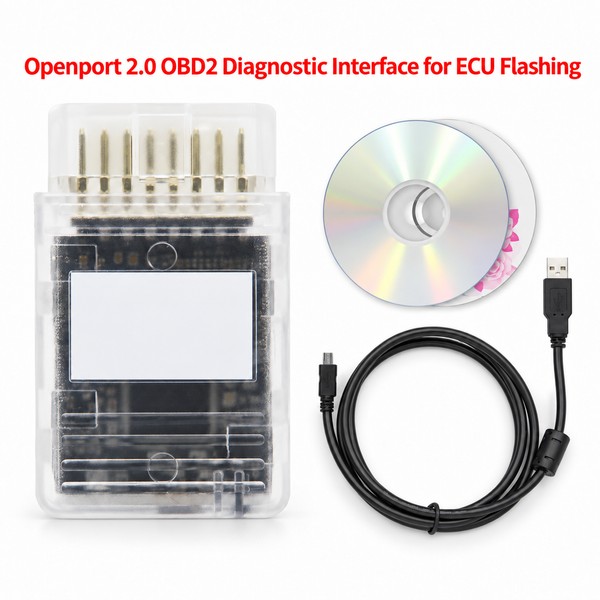


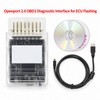
Openport 2.0 OBD2 Diagnostic Interface for ECU Flashing – Chip Tuning Tool for Compatible Toyota Vehicles
$78.88
- Free US shipping
-
Arrives
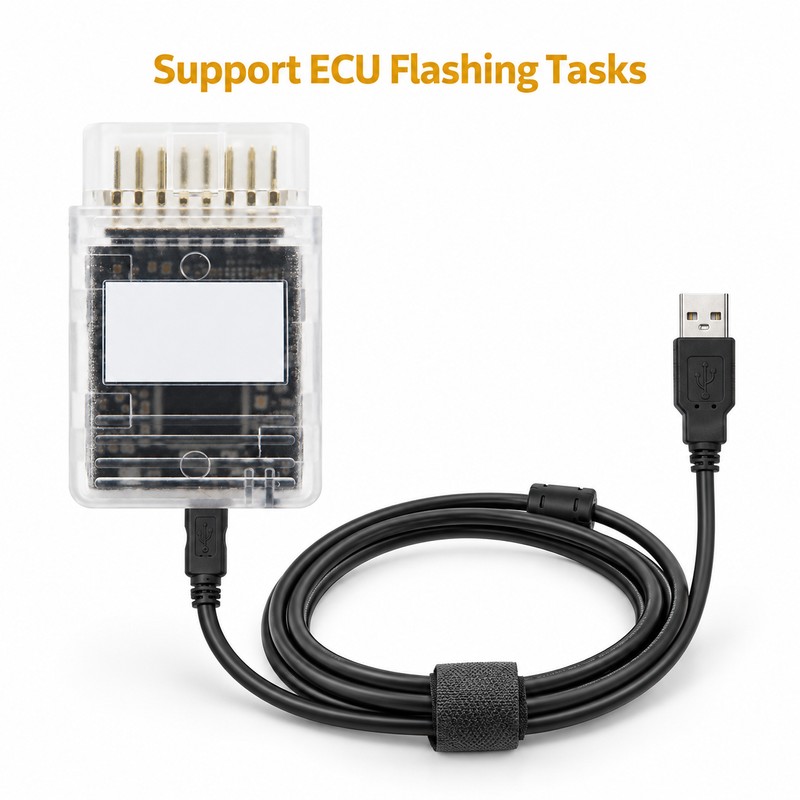
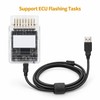
- Support ECU Flashing Tasks – Designed for ECU flashing and chip-tuning applications when used with compatible vehicle systems and software.
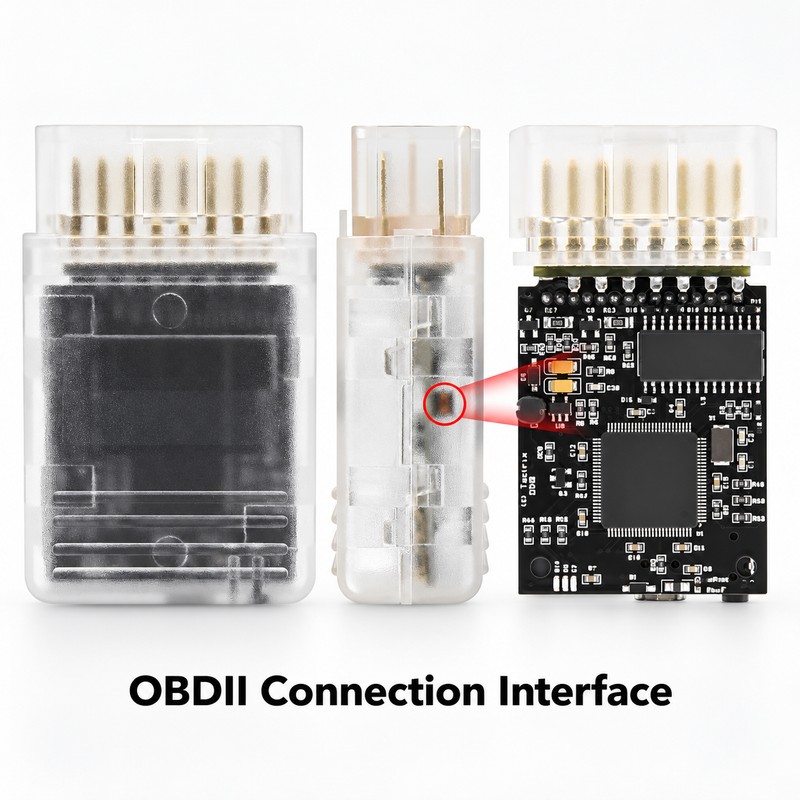
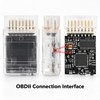
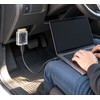
- OBDII Connection Interface – Connects through a vehicle's OBDII diagnostic port where supported, providing a practical interface for compatible automotive tasks.
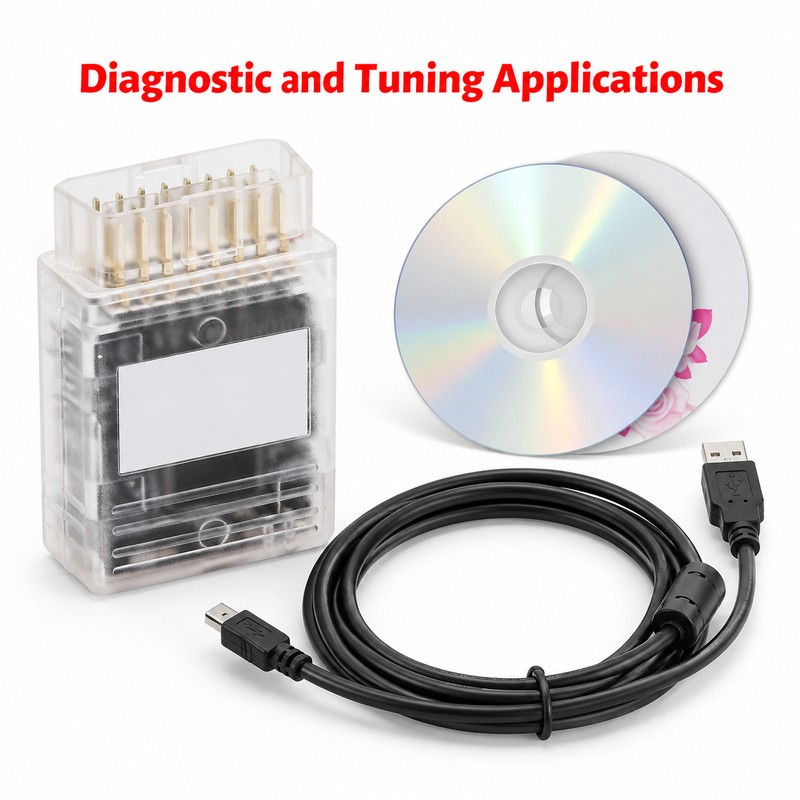
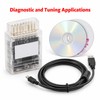
- Diagnostic and Tuning Applications – Combines the listed functions of an OBD2 diagnostic tool and an ECU flashing interface in one device.
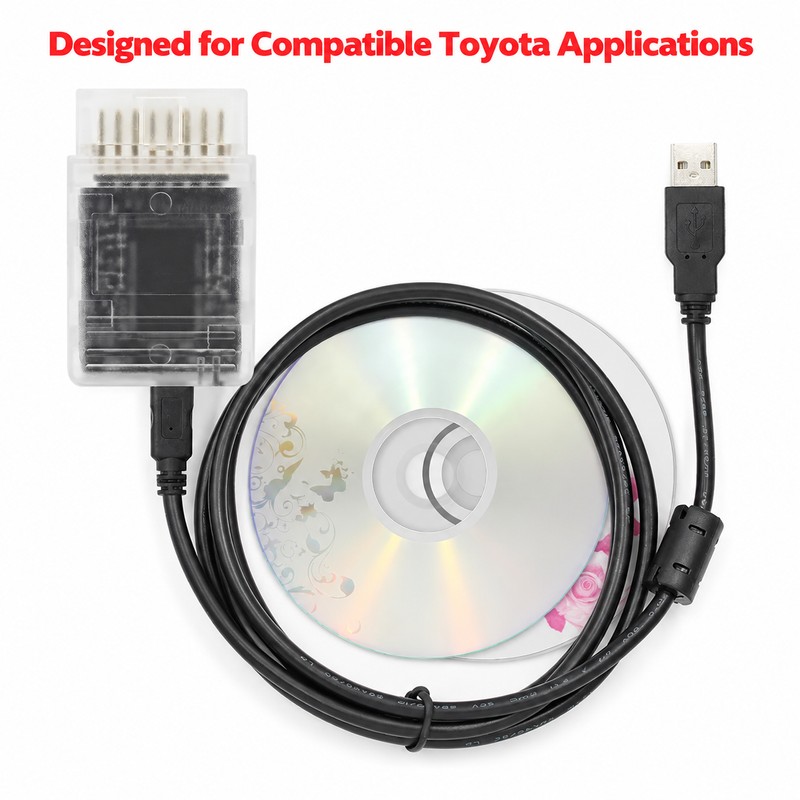
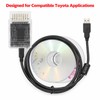
- Designed for Compatible Toyota Applications – Intended for supported Toyota vehicle applications. Check vehicle compatibility and software requirements before purchasing.
- Practical for Automotive Projects – Suitable for automotive enthusiasts, technicians, and workshop users working with compatible vehicle diagnostic and ECU-related systems.
- Free 30-Day Returns
- Full Refund for Damaged or Incorrect Items
- Guaranteed Delivery or Money Back
- Secure Checkout & Fast Support

What Customers Are Saying
- Support ECU Flashing Tasks – Designed for ECU flashing and chip-tuning applications when used with compatible vehicle systems and software.
- OBDII Connection Interface – Connects through a vehicle's OBDII diagnostic port where supported, providing a practical interface for compatible automotive tasks.
- Diagnostic and Tuning Applications – Combines the listed functions of an OBD2 diagnostic tool and an ECU flashing interface in one device.
- Designed for Compatible Toyota Applications – Intended for supported Toyota vehicle applications. Check vehicle compatibility and software requirements before purchasing.
- Practical for Automotive Projects – Suitable for automotive enthusiasts, technicians, and workshop users working with compatible vehicle diagnostic and ECU-related systems.
About This Item
The Openport 2.0 OBDII diagnostic interface is designed for automotive applications involving ECU flashing, chip tuning, and compatible vehicle diagnostic systems. It provides a connection interface for users working with supported Toyota vehicles and compatible software.
What Problem It Solves
Working with vehicle electronic control units can require an appropriate connection interface. This tool is designed to provide an OBDII connection for supported ECU-related tasks, helping users work with compatible vehicle systems through a suitable interface rather than relying on an incompatible connection method.
How It Works
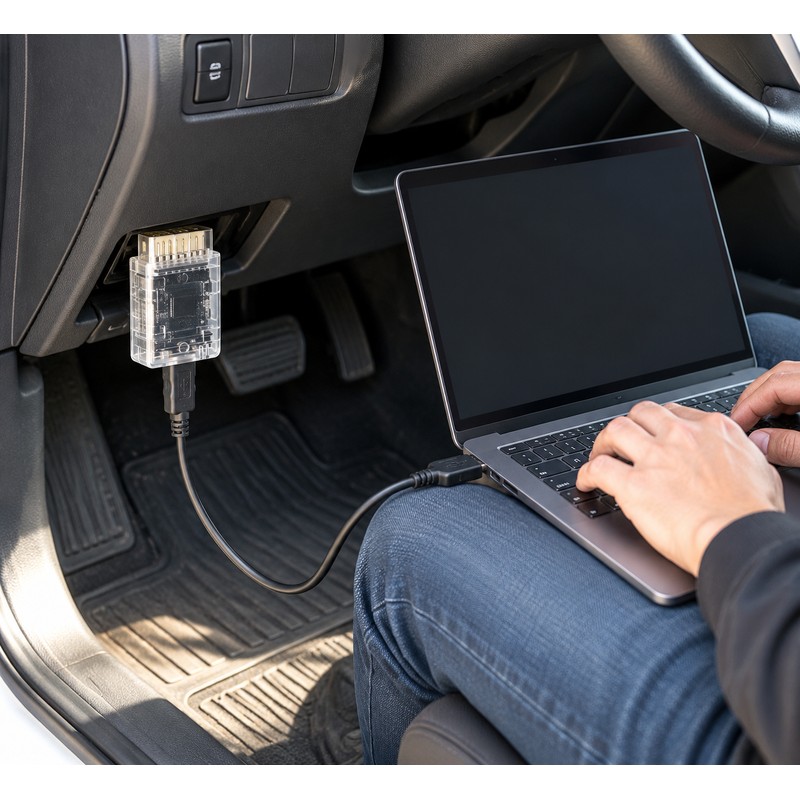
Check that your vehicle, computer or other required equipment, and software are compatible with this interface before use. Locate the vehicle's OBDII port and connect the device according to the applicable instructions. Use compatible software to perform supported diagnostic or ECU-related operations, following the software's guidance throughout the process.
Key Features
- Openport 2.0 interface: Designed for compatible automotive electronic applications.
- OBDII connection: Provides a vehicle diagnostic-port interface where supported.
- ECU flashing application: Intended for supported engine control unit programming tasks.
- Chip-tuning use: Suitable for compatible tuning workflows and software.
- Automotive diagnostic applications: Listed for use as an OBD2 diagnostic tool.
Why Choose This Tool
This interface brings ECU-related and diagnostic applications together in one device category. Its OBDII connection format makes it relevant to users who need an interface for compatible automotive software and vehicle systems. Always verify supported functions before beginning any programming task.
Perfect For
This tool is intended for automotive enthusiasts, experienced vehicle owners, technicians, and workshop users who work with supported vehicle electronics. It may be useful for projects involving compatible Toyota applications, ECU programming workflows, and automotive diagnostics.
Check your vehicle's make, model, year, ECU requirements, and software compatibility before ordering. Choose the right interface for your project and prepare for your automotive work with greater confidence.
Explore the Openport 2.0 OBD2 diagnostic interface for compatible ECU flashing, chip tuning, and automotive diagnostic applications. Check vehicle and software compatibility before use.
2026 New Openport 2.0 ECU FLASH Chip Tuning Tool Full Chip OBD2 Scanner for Toyota Open Port OBDII Connector Car Diagnostic Tool
This Tool also can support for Mercedes Benz/VW/Ford/Mazda/Skoda/Audi /Seat etc.
(This is our customer feedback, but need the customer's own technology and software)
so we don't provide software and After-sales service support.
Warning,Very important,Read before use❗❗❗
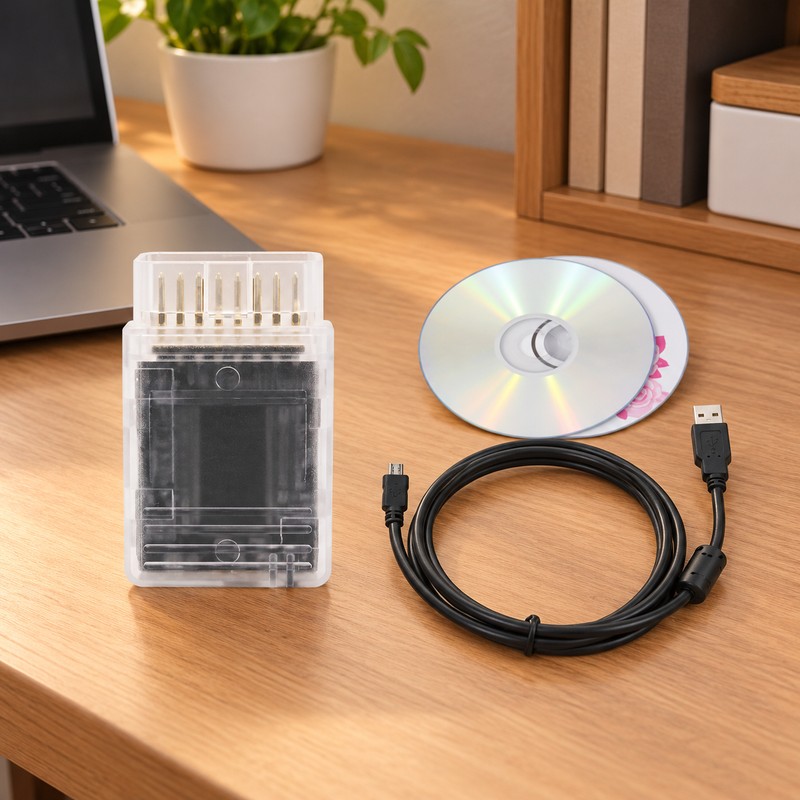
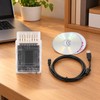
1. Please use the software from CDs only we provide, or openport being locked(the cable will not light up)
A.The product can' support the new version on the official website: 1444870_win software(Can't support),
B.Please only use the USB driver from the seller's CD, otherwise it may damage the product.
2. Openport cannot be upgraded online, so please do not connect to the internet. The computer should not have any computer network records. If there are records of connected to the internet your computer, please must reinstall the system first. And it is useless to disconnect the internet.
3. If the original software and drivers are installed on the computer, the Windows system can only be reinstalled, and removal and uninstallation are invalid. The computer system must be reinstalled, and then the software on the CD must be reinstalled to connect the product and run the software.
4. Please close anti-virus programmer when run software.
If use the cable with wrong way,the cable will be locked and not light up
5. Computer System Requirement: Windows XP/Win 7 32bits.
Description:
The OpenPort 2.0 combined with our EcuFlash software, the OpenPort 2.0 is capable of reflashing a large number of newer Subaru and Mitsubishi vehicles and support for other cars is in progress.
Openport 2.0 supports for Toyota For Jaguar For Land Rover in progress,the OEM software we have test works excellent .
Festures:
1.Field upgradeable software
2.Standalone datalogs to microSD / microSDHC card without a laptop
3.Supports these major OBD protocols:CAN 2.0 (CAN/ISO15765) and K-line (ISO9141/ISO14230(KWP2000)/dual K line)
Specifications:
1. 72Mhz 32-bit processor
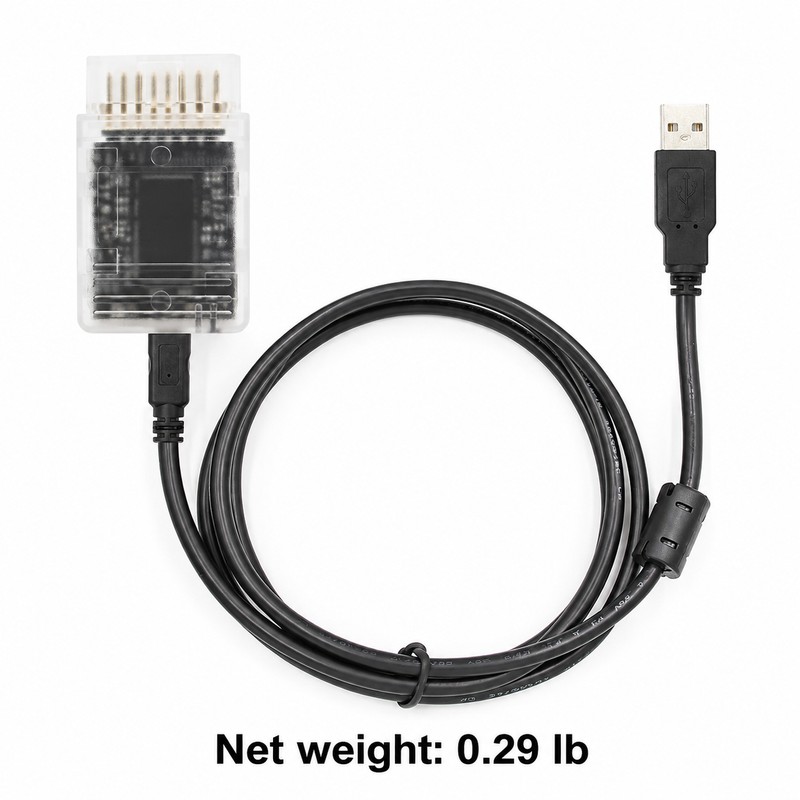
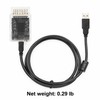
2. USB 2.0 full speed device (USB-A/Mini cable included)
3. RGB status LEDs
4. Able to log from Innovate Motorsports 2.5mm stereo MTS data bus
5. J2534 PassThru support with Windows DLL
6. Able to apply GND or 5V-25V to OBD pins 1,3,9,11,12,13 or AUX 2.5mm stereo connector
Openport 2.0 software List:
Openport 2.0+ECUFLASH
TIS Techstream V12.20.024
TIS V12.20.024 Activation
TIS Techstream V12.20.024
TIS Techstream V12.20.024(We can provide the latest version of Tis Techstream)
*VDF_L_DVD159_V5
*JLR159 License SW
SDD_DVD159.02
SPA_DVD159_V2
VDF_J_DVD159_V5
*SDD_DVD159_FULL
For ecu flash you can get info from this list:
|
US Domestic Market Vehicles currently supported by EcuFlash |
||||
|
Make |
Model |
Year(s) |
Compatible OpenPort Interfaces |
Init Connector Needed |
|
For Subaru |
Impreza WRX |
2001-2002 |
1.2 1.3S 1.3U 2.0 |
2001-2002 |
|
|
|
2003-2005 |
1.2 1.3S 1.3U 2.0 |
2003-2005 |
|
|
|
2006-2007 |
1.2 1.3S 1.3M 2.0 |
|
|
|
|
2008-2009 |
2.0 |
|
|
|
Impreza STi |
2004-2007 |
1.2 1.3S 1.3M 1.3U 2.0 |
|
|
|
|
2008-2009 |
2.0 |
|
|
|
Impreza 2.5RS |
2005 |
1.2 1.3S 1.3M 1.3U 2.0 |
|
|
|
Impreza 2.5i |
2005-2006 |
1.2 1.3S 1.3M 1.3U 2.0 |
|
|
|
|
2007-2009 |
2.0 |
|
|
|
Forester 2.5 |
2005-2006 |
1.2 1.3S 1.3M 1.3U 2.0 |
|
|
|
|
2007-2009 |
2.0 |
|
|
|
Forester XT |
2004-2006 |
1.2 1.3S 1.3M 1.3U 2.0 |
|
|
|
|
2007-2009 |
2.0 |
|
|
|
Tribeca |
2006 |
1.2 1.3S 1.3M 1.3U 2.0 |
|
|
|
|
2007-2009 |
2.0 |
|
|
|
Legacy / Outback 2.5i / 3.0r |
2005-2006 |
1.2 1.3S 1.3M 1.3U 2.0 |
|
|
|
|
2007-2009 |
2.0 |
|
|
|
Legacy GT / Outback XT |
2004-2006 |
1.2 1.3S 1.3M 1.3U 2.0 |
|
|
|
|
2007-2009 |
2.0 |
|
|
|
Baja |
2004-2006 |
1.2 1.3S 1.3M 1.3U 2.0 |
|
|
For Mitsubishi |
Evo 5 |
|
1.3M 1.3U 2.0 |
For Mitsu (for 2.0 only) |
|
|
Evo 6 |
|
1.3M 1.3U 2.0 |
For Mitsu (for 2.0 only) |
|
|
Evo 7 |
|
1.3M 1.3U 2.0 |
For Mitsu (for 2.0 only) |
|
|
Evo 8 |
|
1.3M 1.3U 2.0 |
For Mitsu (for 2.0 only) |
|
|
Evo 9 |
|
1.3M 1.3U 2.0 |
For Mitsu (for 2.0 only) |
|
|
Evo 10 |
|
2.0 |
|
|
|
(all 2nd Gen) |
1996-???? |
1.3M 1.3U 2.0 |
For Mitsu (for 2.0 only) |
|
|
Eclipse GS/GT |
2001-2003 |
1.3M 1.3U 2.0 |
For Mitsu (for 2.0 only) |
|
|
Lancer OZ |
2002-2004 |
1.3M 1.3U 2.0 |
For Mitsu (for 2.0 only) |
Important Note.
1. This cable works only with the driver/APP from us.
2. If your computer ever installed driver/APP from elsewhere, the cable will be destroyed by your computer.
3. If your computer ever installed driver/APP from elsewhere, you have to uninstall it, and you must reinstall your computer OS completely before using this cable.
4. Do not connect your computer to Internet when using this cable on your car.
Processing Time
- We process and ship orders Monday through Friday, excluding holidays.
- Most orders are processed within 1–3 business days, depending on product availability.
- Processing time does not include delivery time, which varies based on your location and the product’s shipping origin.
Shipping Coverage
We currently ship to addresses within the United States only.
Products may ship from:
- Our U.S. warehouses, or
- Our international fulfillment centers (including Korea, Japan, China, Australia, Mexico, Canada, the United Kingdom, and the EU).
Each product page clearly displays the “Ships From” location before checkout.
Shipping Methods & Estimated Delivery
| Shipping Method | Estimated Delivery | Cost |
|---|---|---|
| Free Shipping (US) | 5–10 business days | Free, available on eligible items |
| Standard Shipping (US to US by Item) | 5–10 business days | $5.95 for the first item, $3.00 each additional |
| Standard Shipping (From US Warehouse by Weight) | 3–7 business days | Starts at $5.95, increasing by $2 for every additional 4 oz (0.25 lb) up to 1 lb, then by $4 for each additional pound beyond 1 lb. |
| Extended Delivery (Ships from Overseas Warehouse) | 10–20 business days | $14.99 for the first item, $2.00 each additional |
Shipping costs vary by product weight, quantity and origin. Exact rates and delivery estimates are displayed on each product page and confirmed during checkout.
Free Shipping
We offer free standard shipping on select products or during promotional periods. Availability of free shipping will be displayed on the product page and at checkout.
Carriers
We primarily use USPS and UPS for U.S. deliveries. Items shipped from international warehouses may be handled by partner carriers depending on the country of origin.
Import Duties & Taxes
All import duties and taxes for goods imported into the United States are included in the product price. There are no hidden fees or additional charges at checkout.
Tracking & Notifications
Every order is fully trackable. You will receive a tracking number via email once your order ships. If your order ships in multiple packages, each package will have its own tracking number. If you don’t receive a shipping confirmation immediately, your order is still being processed and will arrive within the estimated timeframe shown at checkout.
You can track your shipment anytime using the Track Your Order page on our website.
Order Changes & Cancellations
If you need to modify or cancel an order, please contact our customer support team as soon as possible. Orders can only be canceled before they ship. Once shipped, cancellations are not possible, but you may request a return after the item is delivered.
Contact: support@ibspot.com
Item Not Received
If your tracking number shows “Delivered” but you haven’t received your package:
- Check with your local USPS or UPS office.
- Confirm that the shipping address provided was correct.
- If the issue remains unresolved, contact support@ibspot.com for assistance.
Damaged or Lost Parcels
If your package arrives damaged or fails to arrive, please contact us immediately. For deliveries to P.O. boxes, ibspot is not responsible for damage caused by weather, temperature, or theft.
Customer Support
For any questions about shipping, tracking, or delivery, our customer support team is here to help.
Email: support@ibspot.com
We’re always happy to help.
Please read our policy carefully before making a purchase.
We aim to ensure every customer has a smooth and transparent experience with ibspot.com.
Order Cancellation Policy
Customers may request to cancel an order before it has been shipped.
Once the package has been shipped, cancellations are no longer possible; however, you may still request a return after receiving your order.
How to Request a Cancellation
You can contact us through:
- Email: support@ibspot.com
- Contact Form: Submit a request through our Contact Us page
Please submit your cancellation request as soon as possible after placing the order to allow us to process it before shipment.
Return Policy
We accept returns for most items within 30 days of delivery for a full refund.
To be eligible for a return:
- The item must be unused, in the same condition as received, and in its original packaging.
- A tracking number must be provided to confirm the return shipment.
Non-Returnable Items
Certain products cannot be returned, including:
- Perishable goods (for example, food, flowers, newspapers, magazines)
- Intimate or sanitary goods
- Hazardous materials or flammable liquids/gases
- Gift cards
- Downloadable software
- Some health and personal care items
Partial Refunds (If Applicable)
Partial refunds may be granted in specific situations, such as:
- Books with obvious signs of use
- Opened CDs, DVDs, software, or vinyl records
- Items not in their original condition, damaged, or missing parts not due to our error
- Items returned more than 30 days after delivery
How to Return an Item
To initiate a return, please contact us at support@ibspot.com with your order number and details about the product you wish to return.
Our team will provide you with return instructions and a prepaid return label.
Shipping Cost for Returns
Please contact us before returning any item.
We may provide a return shipping label for your return. If the return is due to our error, such as receiving the wrong item, a damaged item, or a defective product, we will cover the return shipping cost.
If the return is due to the customer’s reason, such as ordering the wrong item, changing your mind, or no longer needing the item, the original shipping fee and the return label fee will be deducted from your refund amount.
If a return is sent back without prior contact or without using our provided label, we cannot be held responsible for any return shipping costs or delivery issues.
For items valued over $75, we recommend using a trackable shipping service or purchasing shipping insurance.
We cannot guarantee that we will receive your returned item if shipped independently.
Refund Processing
Once your return is received and inspected:
- In-store returns are refunded to the original form of payment or issued as a gift card.
- Mail-in returns using our prepaid label are refunded to the original payment method within 3–5 business days after we receive your return.
Please allow:
- 5–7 business days for the return to reach our Returns Center.
- An additional 3–10 business days for your bank to post the refund to your account.
Damages, Issues & Claims
Please inspect your order immediately upon receipt.
If you receive a defective, damaged, or incorrect item, contact us right away at support@ibspot.com.
We’ll evaluate the issue promptly and make it right.
Product Claims
Before purchasing, please review product details carefully.
If there is a problem with your order upon arrival, visit our Support Center or contact us directly to arrange return shipping or replacement.
Exchanges
We do not process direct exchanges.
The fastest way to get what you need is to return the original item and place a new order once your return is accepted.
Return Address
IBSPOT Return Center
15 Sawmill Ln
Dover Plains, NY 12522
United States
Customer Support
Our support team is available 24/7 to assist with cancellations, returns, or general inquiries.
Email: support@ibspot.com
Contact Form: Contact Us page
Oops!
Sorry, it looks like some products are not available in selected quantity.