

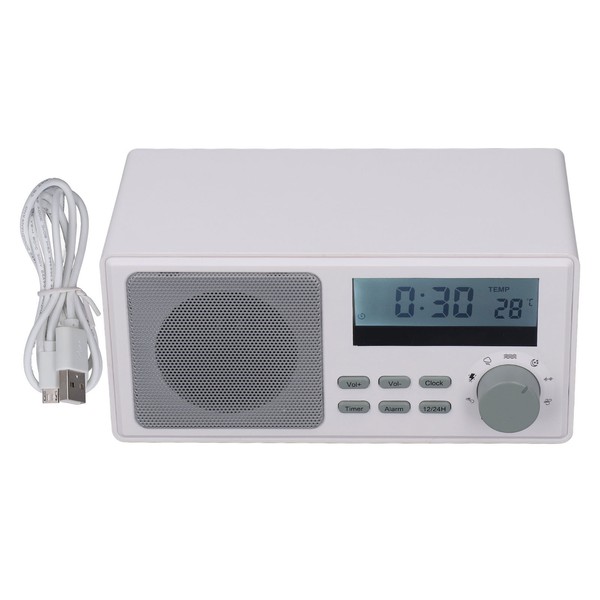
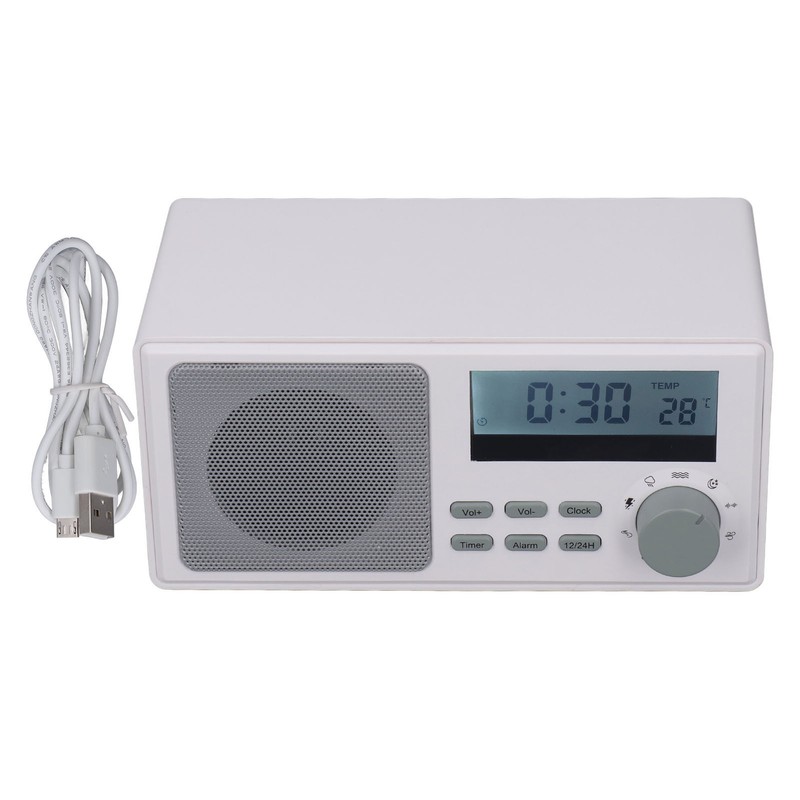
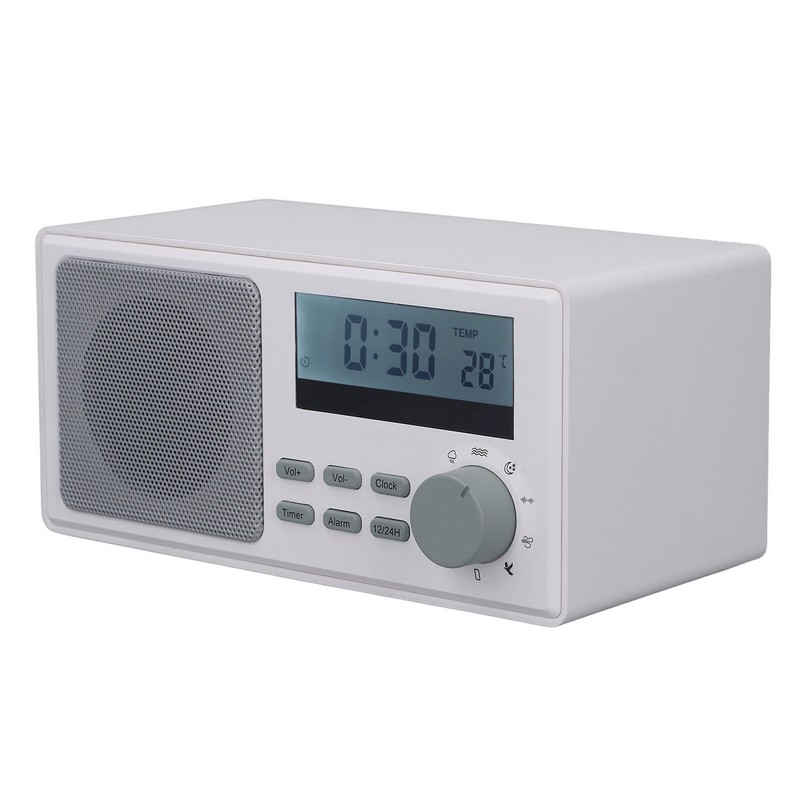
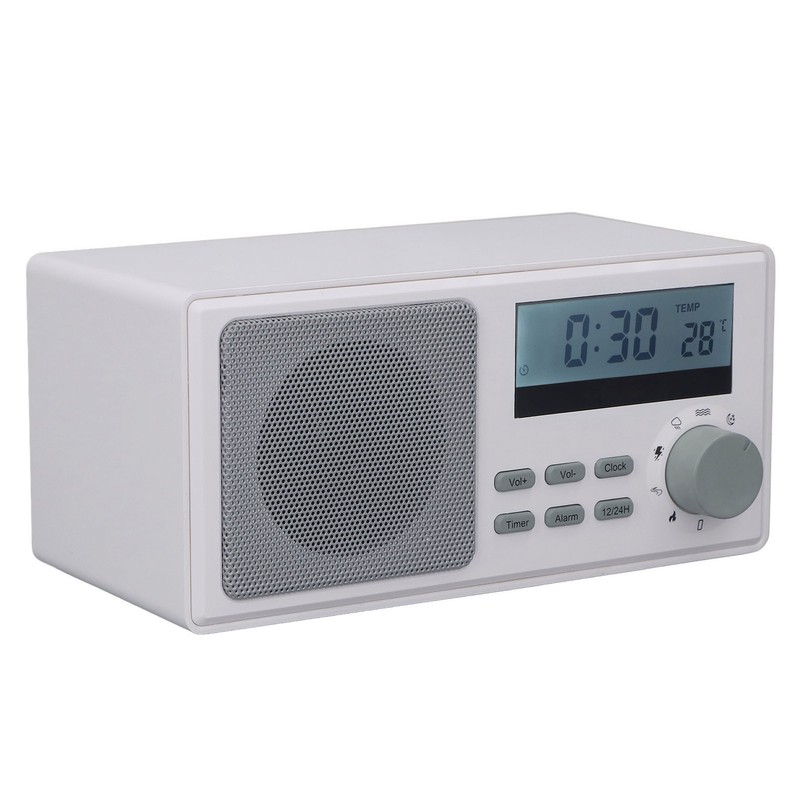
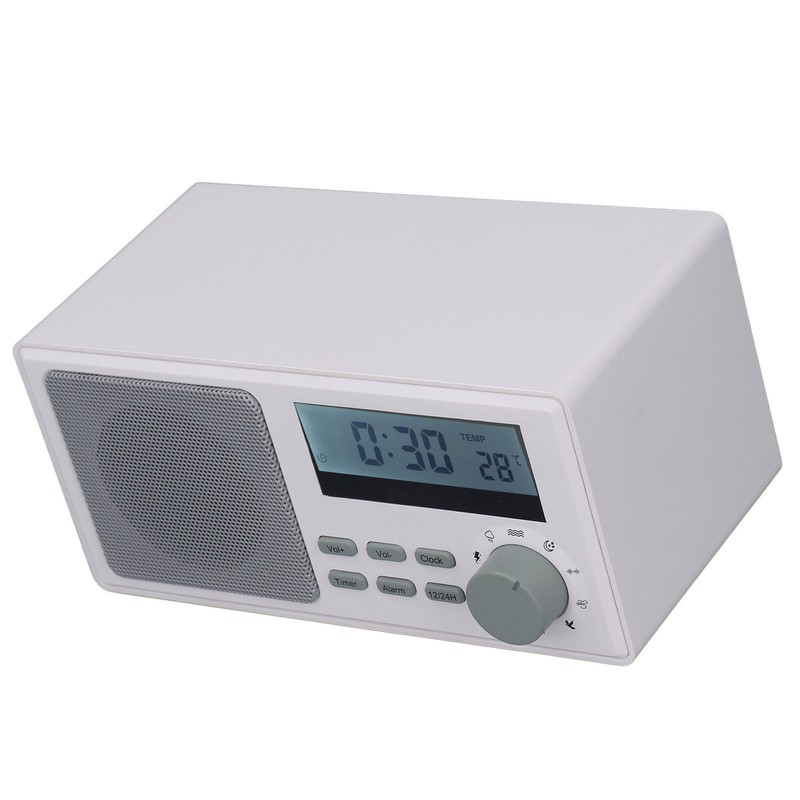
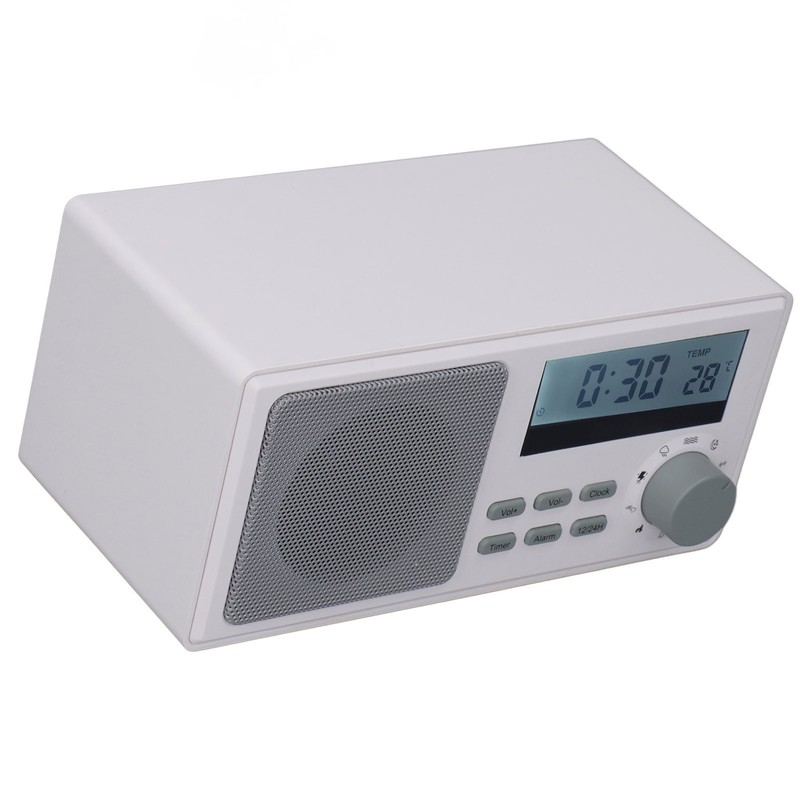
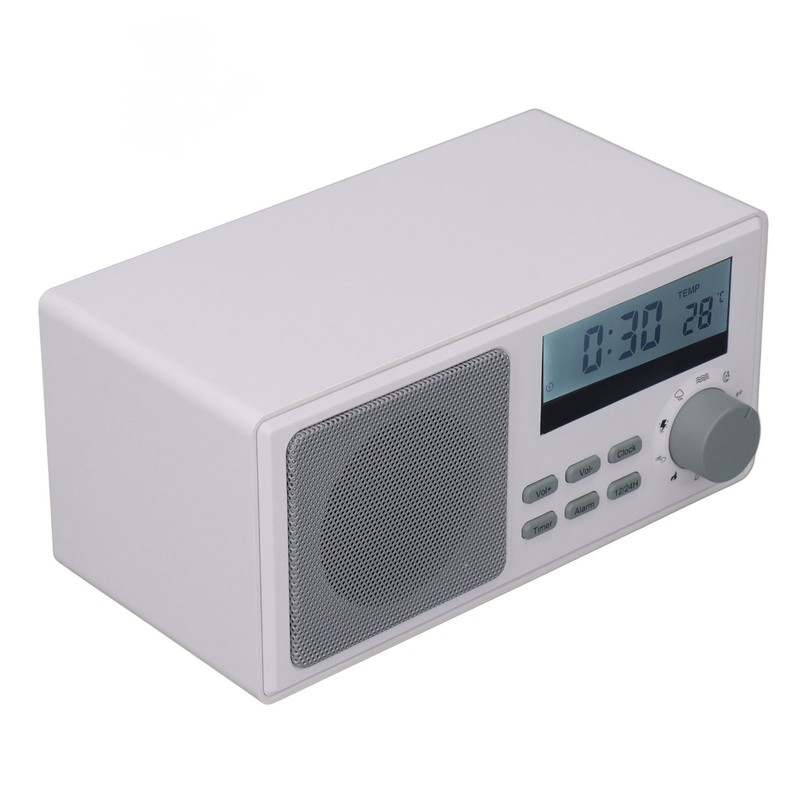
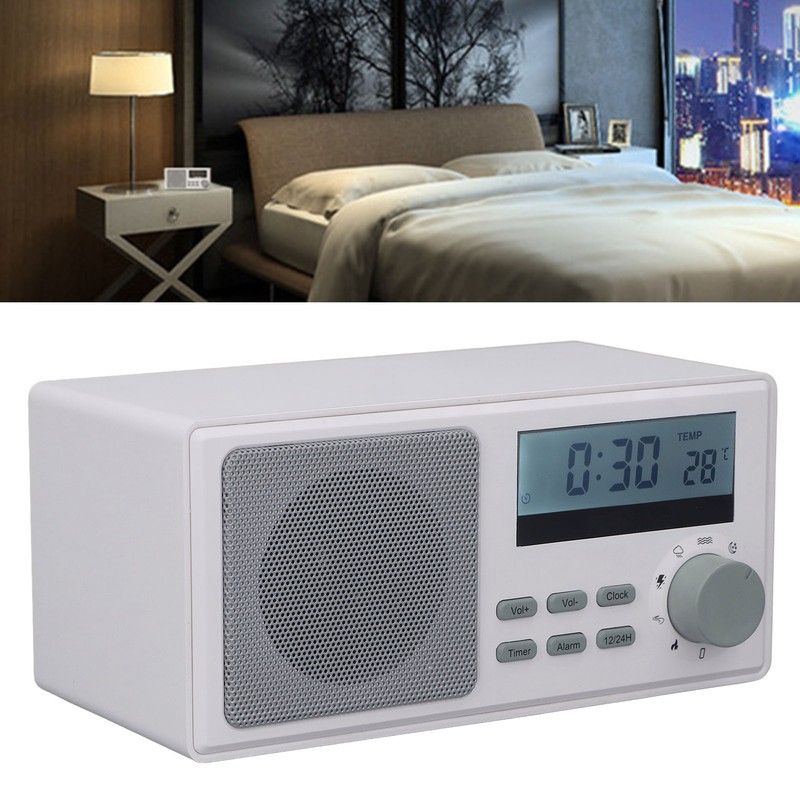
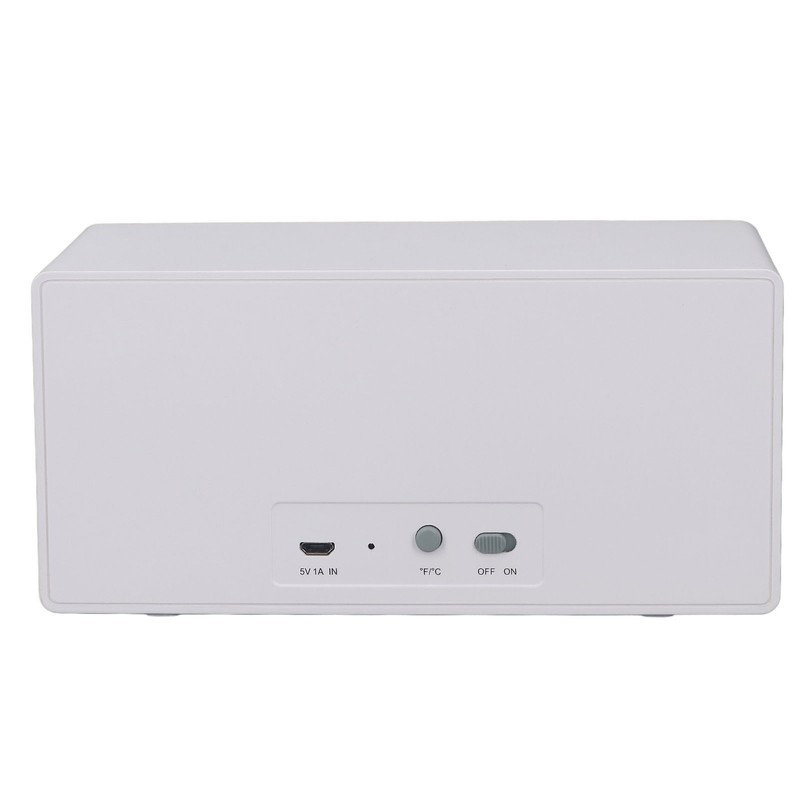
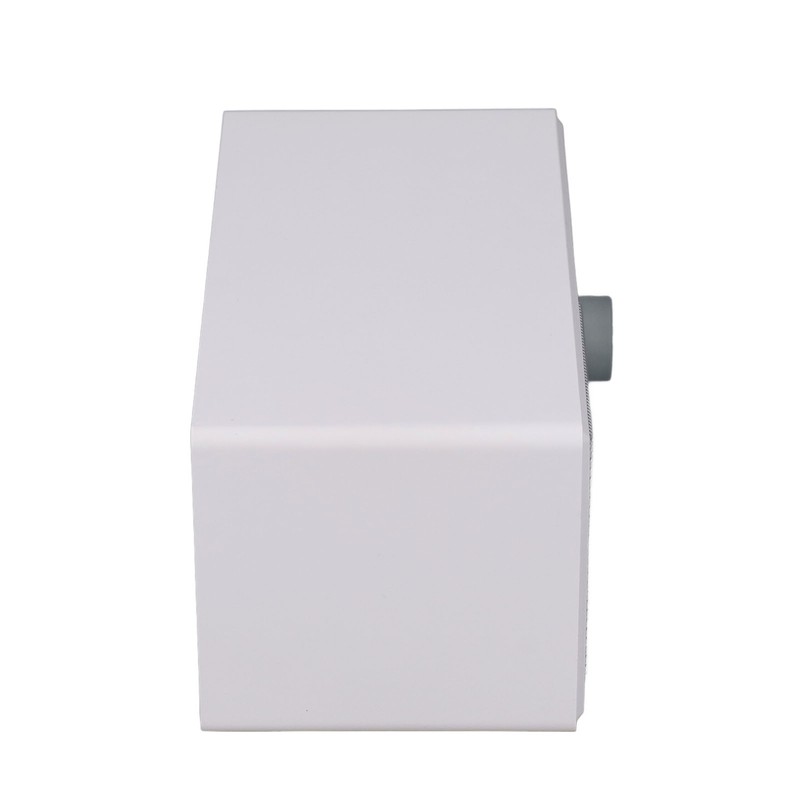
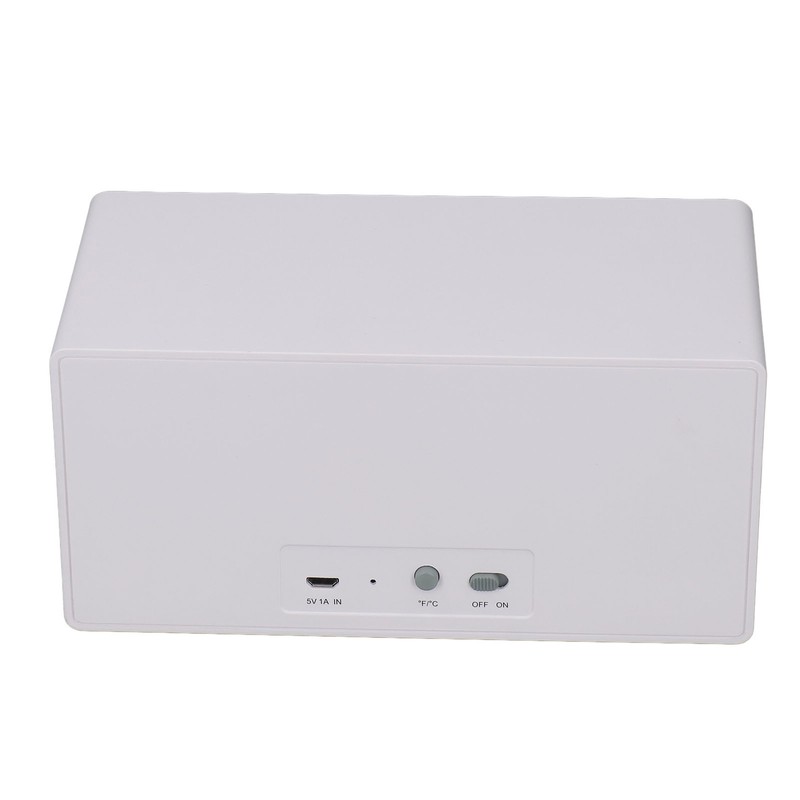
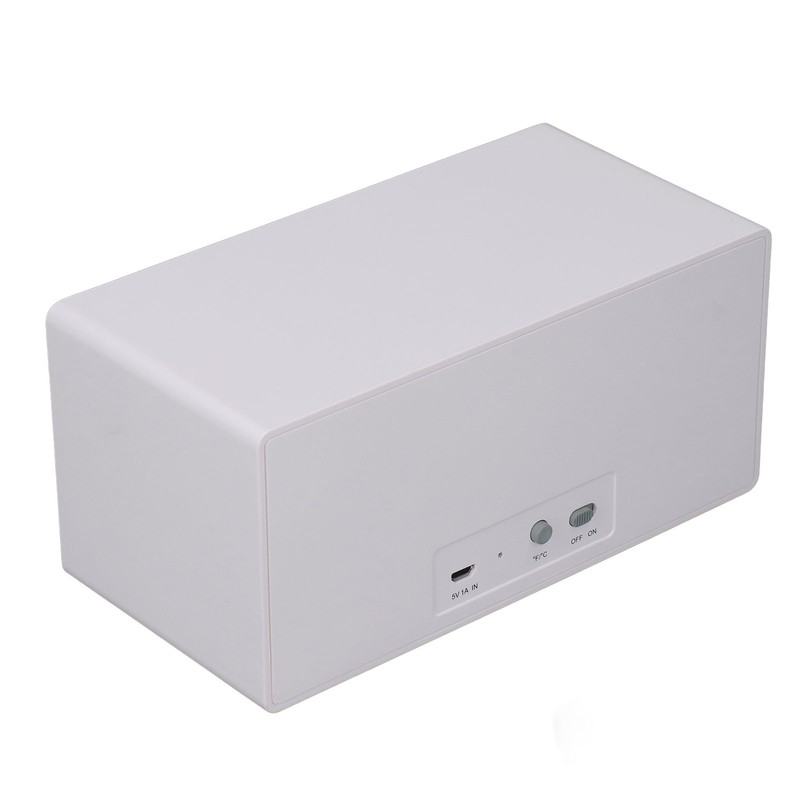


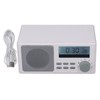
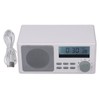
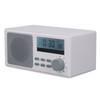
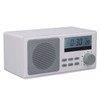
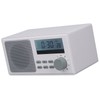
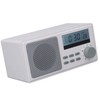
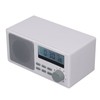
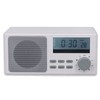
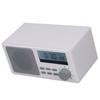
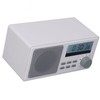
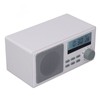
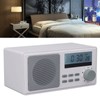
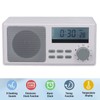



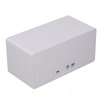
Baby Sound Machine Natural Sleep Soother Clear Sound White Noise Machine with Timer Function for Sleeping
$30.84
- $9.99 shipping from United States View details
-
Arrives
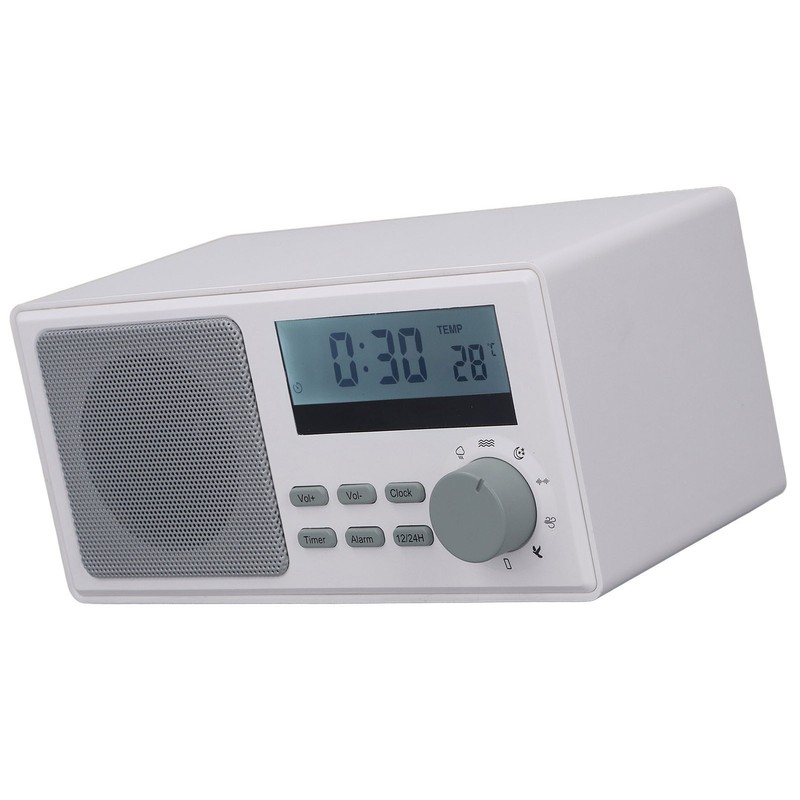
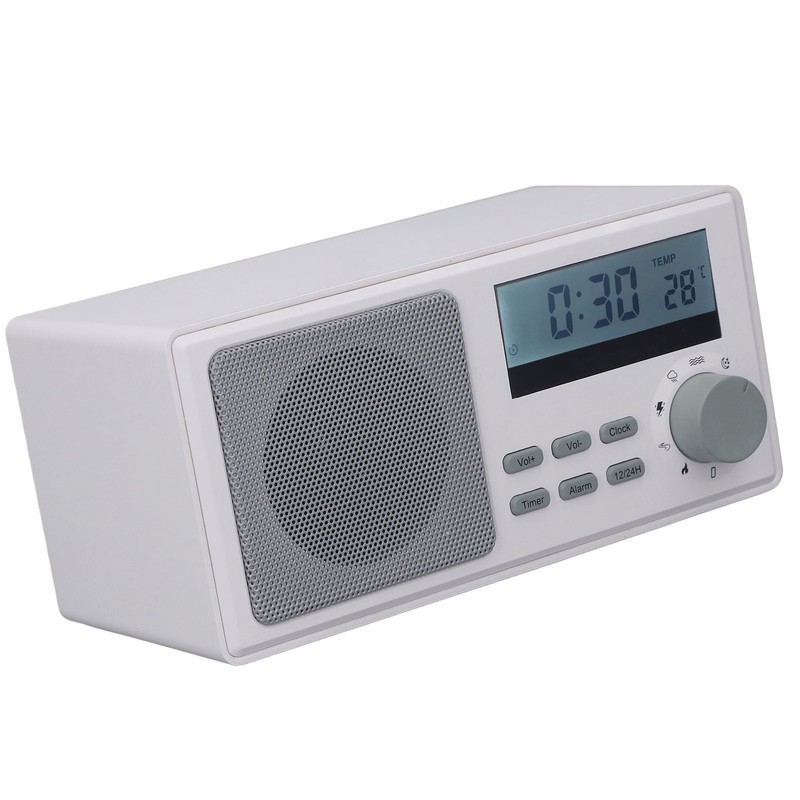
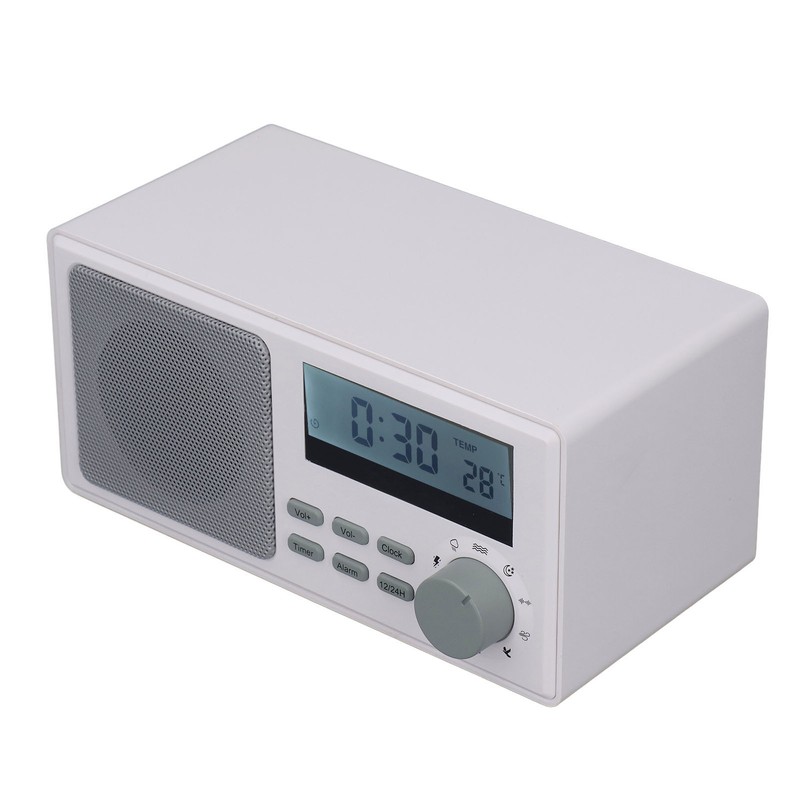
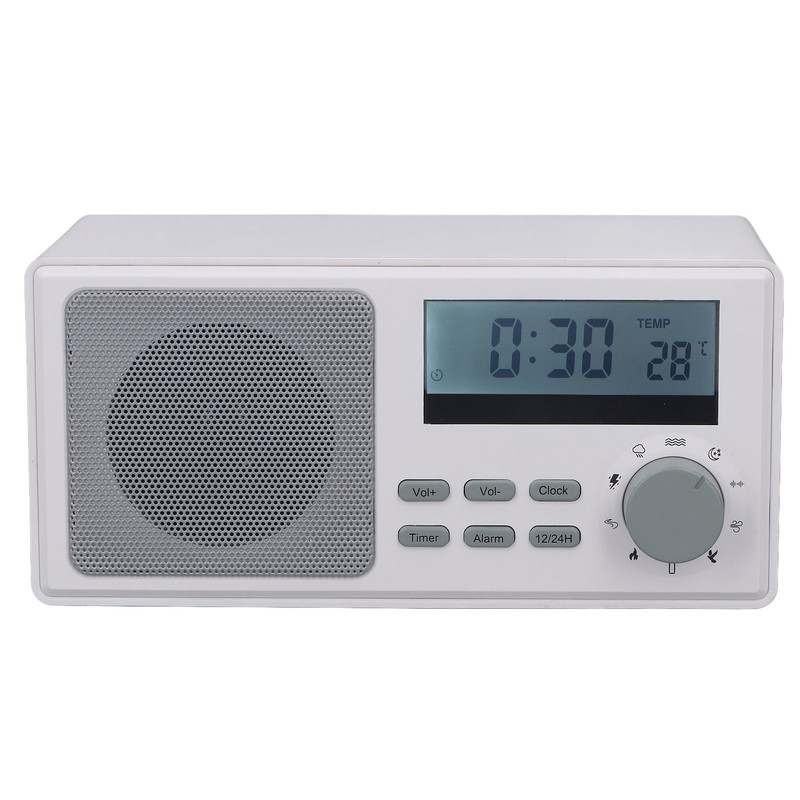
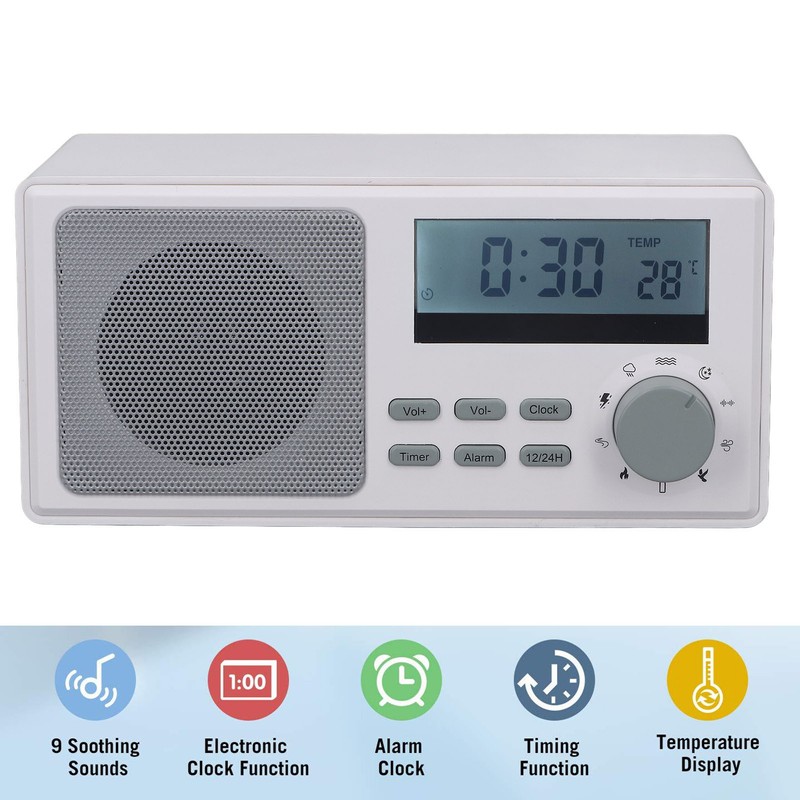
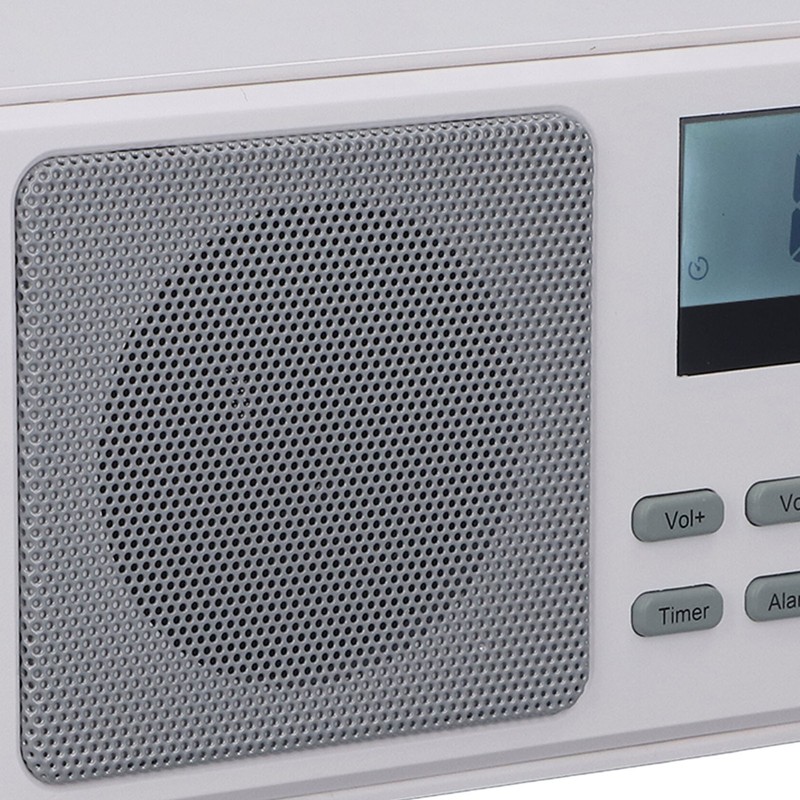
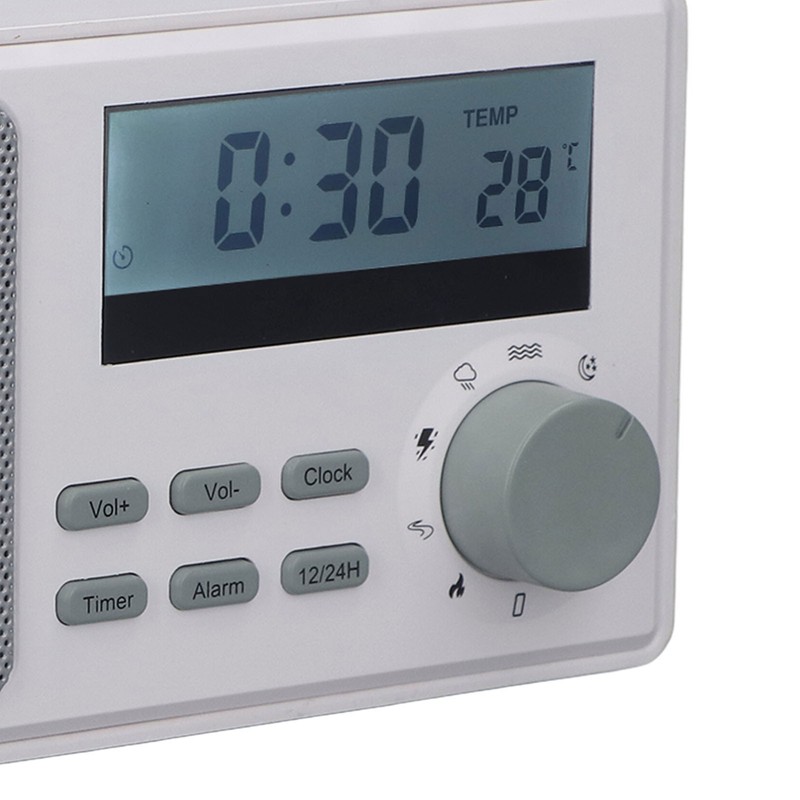
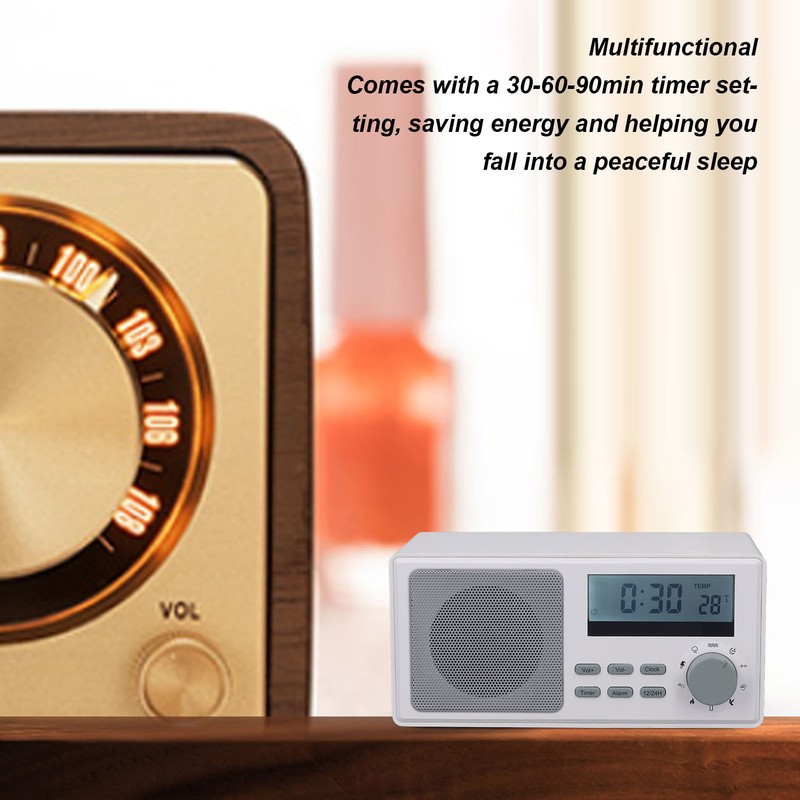
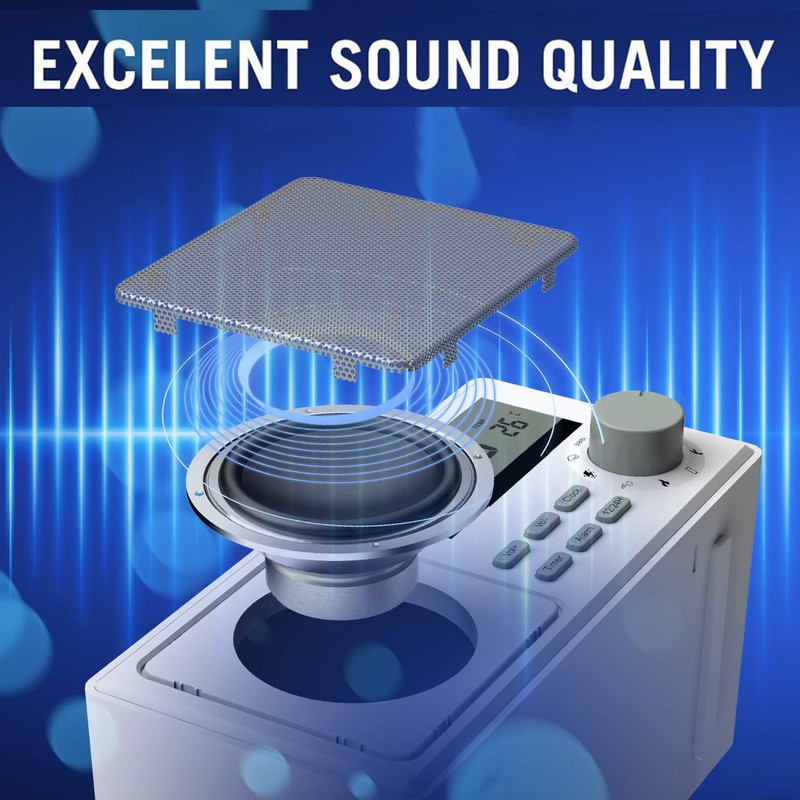
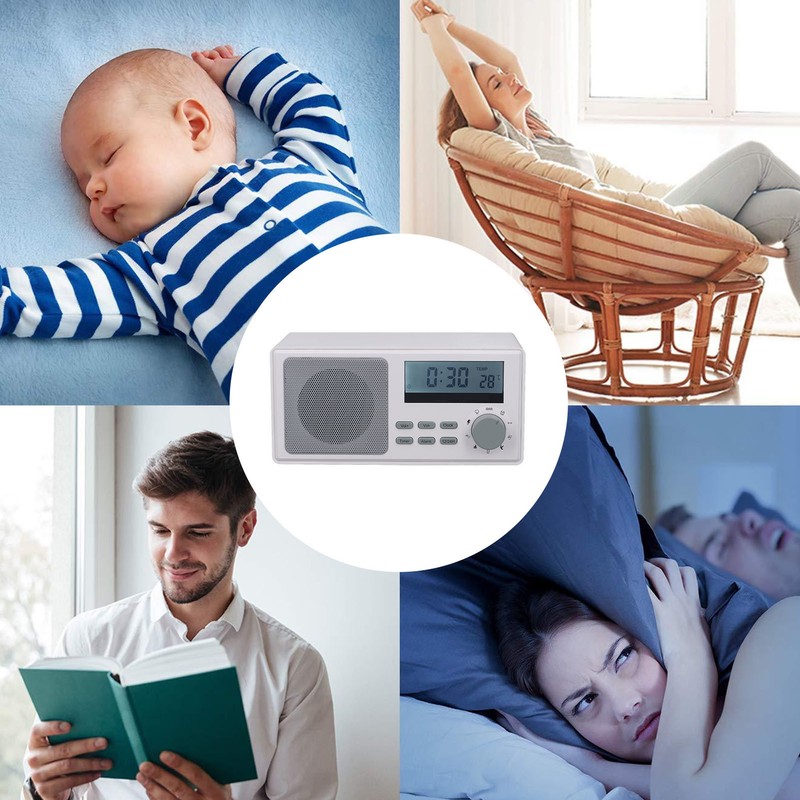
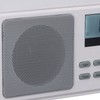
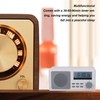
1、Natural Sounds: Features 9 natural white noises such as lullabies, wood burning, thunderstorm, waves, bird songs, etc., providing a relaxing and tranquil environment for improved sleep quality. 2、Multifunctional: Comes with a 30‑60‑90min timer setting, saving energy and helping you fall into a peaceful sleep, LCD display showing time in 12/24 hour format, real time temperature and has an alarm function. 3、Clear Audio Quality: Designed with advanced technology, the knob controlled sound source delivers high fidelity sound quality, immersing you in deep sleep. 4、Versatile Sleep Aid: This sound machine can be used as sleep aid, for relaxation, baby soothing and in many other scenarios, offers a tranquil and calm environment. 5、Compact and Portable: The baby sound machine is lightweight and easy to carry, this baby sound machine is ideal for travel, office or home use.
- Free 30-Day Returns
- Full Refund for Damaged or Incorrect Items
- Guaranteed Delivery or Money Back
- Secure Checkout & Fast Support

1、Natural Sounds: Features 9 natural white noises such as lullabies, wood burning, thunderstorm, waves, bird songs, etc., providing a relaxing and tranquil environment for improved sleep quality. 2、Multifunctional: Comes with a 30‑60‑90min timer setting, saving energy and helping you fall into a peaceful sleep, LCD display showing time in 12/24 hour format, real time temperature and has an alarm function. 3、Clear Audio Quality: Designed with advanced technology, the knob controlled sound source delivers high fidelity sound quality, immersing you in deep sleep. 4、Versatile Sleep Aid: This sound machine can be used as sleep aid, for relaxation, baby soothing and in many other scenarios, offers a tranquil and calm environment. 5、Compact and Portable: The baby sound machine is lightweight and easy to carry, this baby sound machine is ideal for travel, office or home use.
1、Natural Sounds: Features 9 natural white noises such as lullabies, wood burning, thunderstorm, waves, bird songs, etc., providing a relaxing and tranquil environment for improved sleep quality. 2、Multifunctional: Comes with a 30‑60‑90min timer setting, saving energy and helping you fall into a peaceful sleep, LCD display showing time in 12/24 hour format, real time temperature and has an alarm function. 3、Clear Audio Quality: Designed with advanced technology, the knob controlled sound source delivers high fidelity sound quality, immersing you in deep sleep. 4、Versatile Sleep Aid: This sound machine can be used as sleep aid, for relaxation, baby soothing and in many other scenarios, offers a tranquil and calm environment. 5、Compact and Portable: The baby sound machine is lightweight and easy to carry, this baby sound machine is ideal for travel, office or home use.
More Information
Item Type: Baby Sound Machine
Material: Plastics + electronic components
Size: Approx. 180x108x87mm/7.09x4.25x3.43in
Battery: 2000mAh lithium battery (built in)
How to Use:
1. Playback mode:
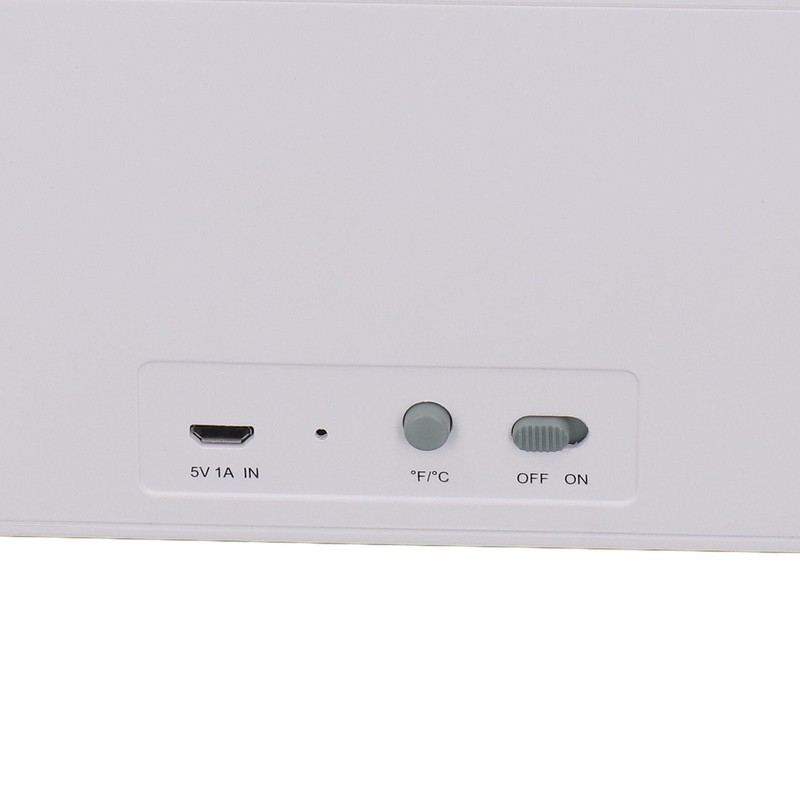
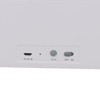
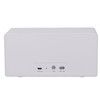
A. Turn the power switch to "ON" to power on, and automatically play the sound of the corresponding gear of the band switch; Rotary band switch can switch different sounds; Select neutral to not play; B. You can use the Vol+ key and Vol- key to adjust the sound during playback. Short press to adjust the volume step by step, and long press to adjust the volume quickly.
2. Timing Settings:
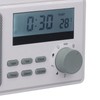
Timing: 30 minutes, 60 minutes, 90 minutes; Press the Timer key to select the timing time. Press for the first time, LCD flashes 0:30, fixed for 30 minutes; Press the second time, LCD flashing display 1:00, timing 60 minutes; Press the third time, LCD flashing display 1:30, timing 90 minutes; Press the fourth time, the LCD displays the clock time, the product is not timed (infinite cycle mode); On the timer countdown screen, press the Clock key to switch to the time screen for 5 seconds and then automatically switch back to the countdown screen.
3. Time setting:
A. Press the Clock key for 2 seconds to enter the time setting, and the time (hour: minute) starts to blink; B. Press the Vol+ key to adjust the hour (hold down the Vol+ key to quickly adjust the hour). Press the Vol- key to adjust the minutes. (Hold down the Vol- key to adjust the minutes quickly.)
c. After setting the time, press the Clock key to confirm the setting; D. During the setting process, if there is no operation for 10 seconds, the LCD will not blink and determine the adjusted time;
4. Alarm setting:
A. Press the Alarm key for 2 seconds to enter the alarm setting, and the alarm time (hour: minute) starts to blink; B. Press the Vol+ key to adjust the hour (hold down the Vol+ key to quickly adjust the hour). Press the Vol- key to adjust the minutes. (Hold down the Vol- key to adjust the minutes quickly.) c. Press the Alarm key to confirm the Settings. If there is no operation for 10 seconds, the LCD does not blink and automatically determines the adjusted alarm time; And return to the time display interface; D. When the alarm is off, it will automatically turn on the alarm and blink to display the last set alarm time; E. During the alarm playing process, press the Alam key to end the alarm or end the alarm automatically after 90 seconds of playing; F. When the Alarm is playing, the vibration sleep aid device will trigger the wake up snooze function and ring once every 10 minutes. During the ringing process, you can press the Alarm key to end or pat the product itself to stop the alarm. If the vibration continues to wake up the snooze function can be cycled up to 5 times; G. Alarm on/off: there is no alarm clock by default. After the alarm is set, the alarm can be enabled or disabled by pressing the alarm. Otherwise, it is not displayed.
5. Backlight control:
After the system is powered on, the backlight is on for 15 seconds and automatically turns off. When the backlight is off, press any key to turn on the backlight, but do not start the corresponding function of the key. If no operation is performed within 15 seconds, the backlight will automatically turn off.
6. Celsius/Fahrenheit temperature setting:
Press the ° C /F key to switch degrees between Celsius and Fahrenheit.
7.12/24 switch
You can press the 12/24H key to switch to the 12/24 display system. By default, the 12-hour system is used to power on.
8. Charging instructions:
Built-in 1800mAh lithium battery, LED red light during charging, green light after full.
9. Low battery warning:
When the battery is too low, the symbol flashes on the LCD screen.
In low battery state, all key functions are invalid; Only clock display and temperature display function.
Processing Time
- We process and ship orders Monday through Friday, excluding holidays.
- Most orders are processed within 1–3 business days, depending on product availability.
- Processing time does not include delivery time, which varies based on your location and the product’s shipping origin.
Shipping Coverage
We currently ship to addresses within the United States only.
Products may ship from:
- Our U.S. warehouses, or
- Our international fulfillment centers (including Korea, Japan, China, Australia, Mexico, Canada, the United Kingdom, and the EU).
Each product page clearly displays the “Ships From” location before checkout.
Shipping Methods & Estimated Delivery
| Shipping Method | Estimated Delivery | Cost |
|---|---|---|
| Free Shipping (US) | 5–10 business days | Free, available on eligible items |
| Standard Shipping (US to US by Item) | 5–10 business days | $5.95 for the first item, $3.00 each additional |
| Standard Shipping (From US Warehouse by Weight) | 3–7 business days | Starts at $5.95, increasing by $2 for every additional 4 oz (0.25 lb) up to 1 lb, then by $4 for each additional pound beyond 1 lb. |
| Extended Delivery (Ships from Overseas Warehouse) | 10–20 business days | $14.99 for the first item, $2.00 each additional |
Shipping costs vary by product weight, quantity and origin. Exact rates and delivery estimates are displayed on each product page and confirmed during checkout.
Free Shipping
We offer free standard shipping on select products or during promotional periods. Availability of free shipping will be displayed on the product page and at checkout.
Carriers
We primarily use USPS and UPS for U.S. deliveries. Items shipped from international warehouses may be handled by partner carriers depending on the country of origin.
Import Duties & Taxes
All import duties and taxes for goods imported into the United States are included in the product price. There are no hidden fees or additional charges at checkout.
Tracking & Notifications
Every order is fully trackable. You will receive a tracking number via email once your order ships. If your order ships in multiple packages, each package will have its own tracking number. If you don’t receive a shipping confirmation immediately, your order is still being processed and will arrive within the estimated timeframe shown at checkout.
You can track your shipment anytime using the Track Your Order page on our website.
Order Changes & Cancellations
If you need to modify or cancel an order, please contact our customer support team as soon as possible. Orders can only be canceled before they ship. Once shipped, cancellations are not possible, but you may request a return after the item is delivered.
Contact: support@ibspot.com
Item Not Received
If your tracking number shows “Delivered” but you haven’t received your package:
- Check with your local USPS or UPS office.
- Confirm that the shipping address provided was correct.
- If the issue remains unresolved, contact support@ibspot.com for assistance.
Damaged or Lost Parcels
If your package arrives damaged or fails to arrive, please contact us immediately. For deliveries to P.O. boxes, ibspot is not responsible for damage caused by weather, temperature, or theft.
Customer Support
For any questions about shipping, tracking, or delivery, our customer support team is here to help.
Email: support@ibspot.com
We’re always happy to help.
Please read our policy carefully before making a purchase.
We aim to ensure every customer has a smooth and transparent experience with ibspot.com.
Order Cancellation Policy
Customers may request to cancel an order before it has been shipped.
Once the package has been shipped, cancellations are no longer possible; however, you may still request a return after receiving your order.
How to Request a Cancellation
You can contact us through:
- Email: support@ibspot.com
- Contact Form: Submit a request through our Contact Us page
Please submit your cancellation request as soon as possible after placing the order to allow us to process it before shipment.
Return Policy
We accept returns for most items within 30 days of delivery for a full refund.
To be eligible for a return:
- The item must be unused, in the same condition as received, and in its original packaging.
- A tracking number must be provided to confirm the return shipment.
Non-Returnable Items
Certain products cannot be returned, including:
- Perishable goods (for example, food, flowers, newspapers, magazines)
- Intimate or sanitary goods
- Hazardous materials or flammable liquids/gases
- Gift cards
- Downloadable software
- Some health and personal care items
Partial Refunds (If Applicable)
Partial refunds may be granted in specific situations, such as:
- Books with obvious signs of use
- Opened CDs, DVDs, software, or vinyl records
- Items not in their original condition, damaged, or missing parts not due to our error
- Items returned more than 30 days after delivery
How to Return an Item
To initiate a return, please contact us at support@ibspot.com with your order number and details about the product you wish to return.
Our team will provide you with return instructions and a prepaid return label.
Shipping Cost for Returns
Please contact us before returning any item.
We may provide a return shipping label for your return. If the return is due to our error, such as receiving the wrong item, a damaged item, or a defective product, we will cover the return shipping cost.
If the return is due to the customer’s reason, such as ordering the wrong item, changing your mind, or no longer needing the item, the original shipping fee and the return label fee will be deducted from your refund amount.
If a return is sent back without prior contact or without using our provided label, we cannot be held responsible for any return shipping costs or delivery issues.
For items valued over $75, we recommend using a trackable shipping service or purchasing shipping insurance.
We cannot guarantee that we will receive your returned item if shipped independently.
Refund Processing
Once your return is received and inspected:
- In-store returns are refunded to the original form of payment or issued as a gift card.
- Mail-in returns using our prepaid label are refunded to the original payment method within 3–5 business days after we receive your return.
Please allow:
- 5–7 business days for the return to reach our Returns Center.
- An additional 3–10 business days for your bank to post the refund to your account.
Damages, Issues & Claims
Please inspect your order immediately upon receipt.
If you receive a defective, damaged, or incorrect item, contact us right away at support@ibspot.com.
We’ll evaluate the issue promptly and make it right.
Product Claims
Before purchasing, please review product details carefully.
If there is a problem with your order upon arrival, visit our Support Center or contact us directly to arrange return shipping or replacement.
Exchanges
We do not process direct exchanges.
The fastest way to get what you need is to return the original item and place a new order once your return is accepted.
Return Address
IBSPOT Return Center
15 Sawmill Ln
Dover Plains, NY 12522
United States
Customer Support
Our support team is available 24/7 to assist with cancellations, returns, or general inquiries.
Email: support@ibspot.com
Contact Form: Contact Us page
Oops!
Sorry, it looks like some products are not available in selected quantity.